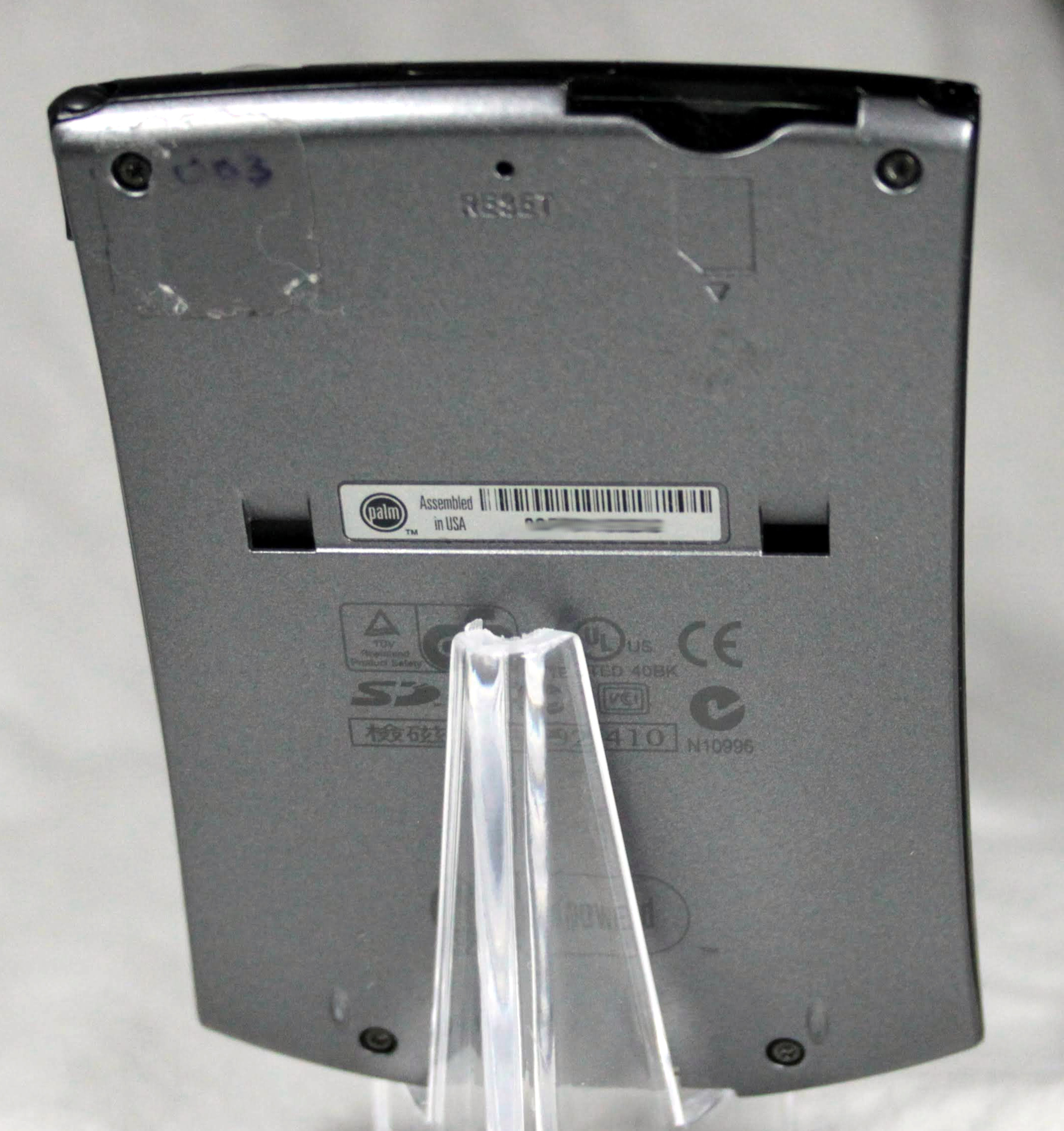
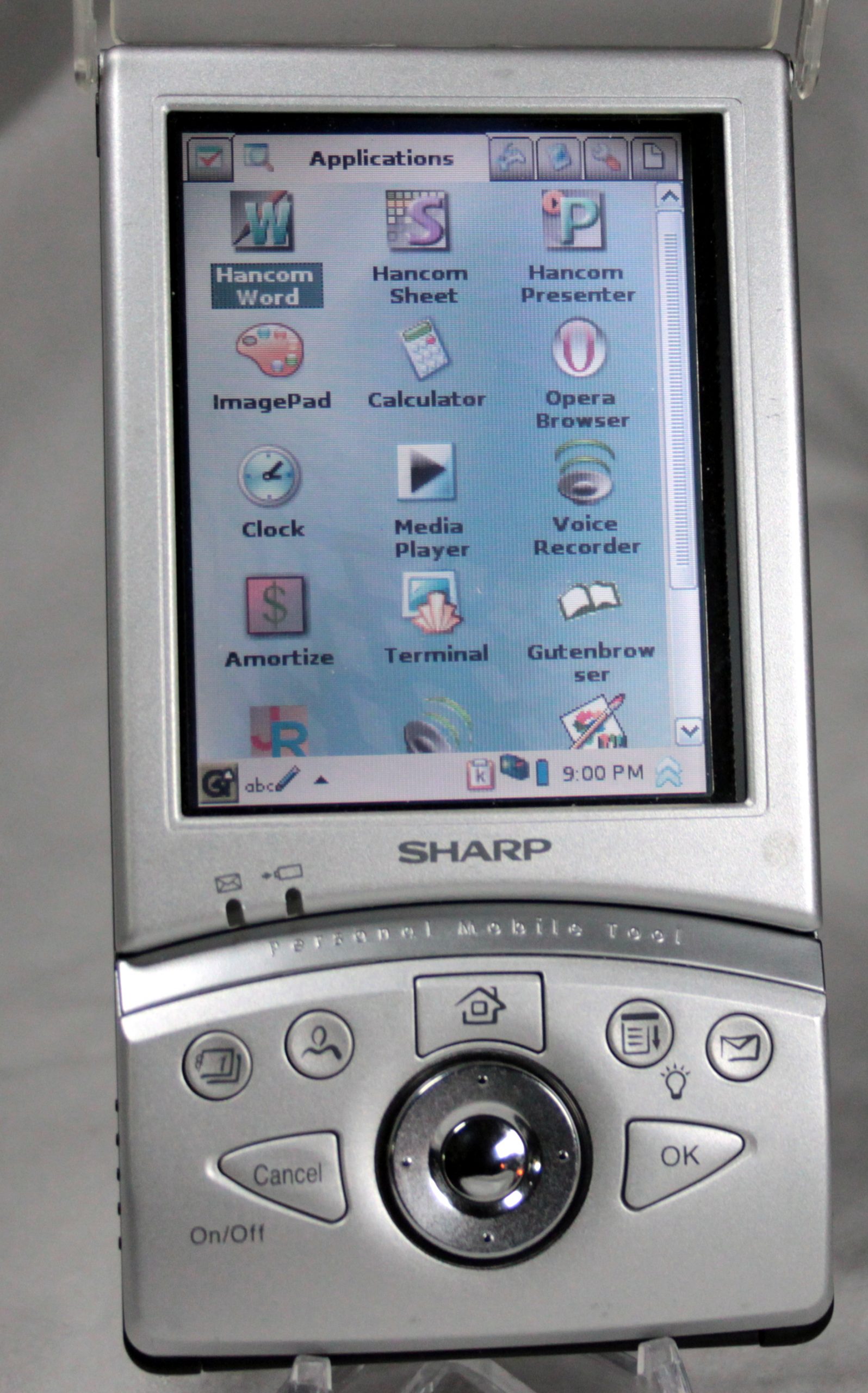
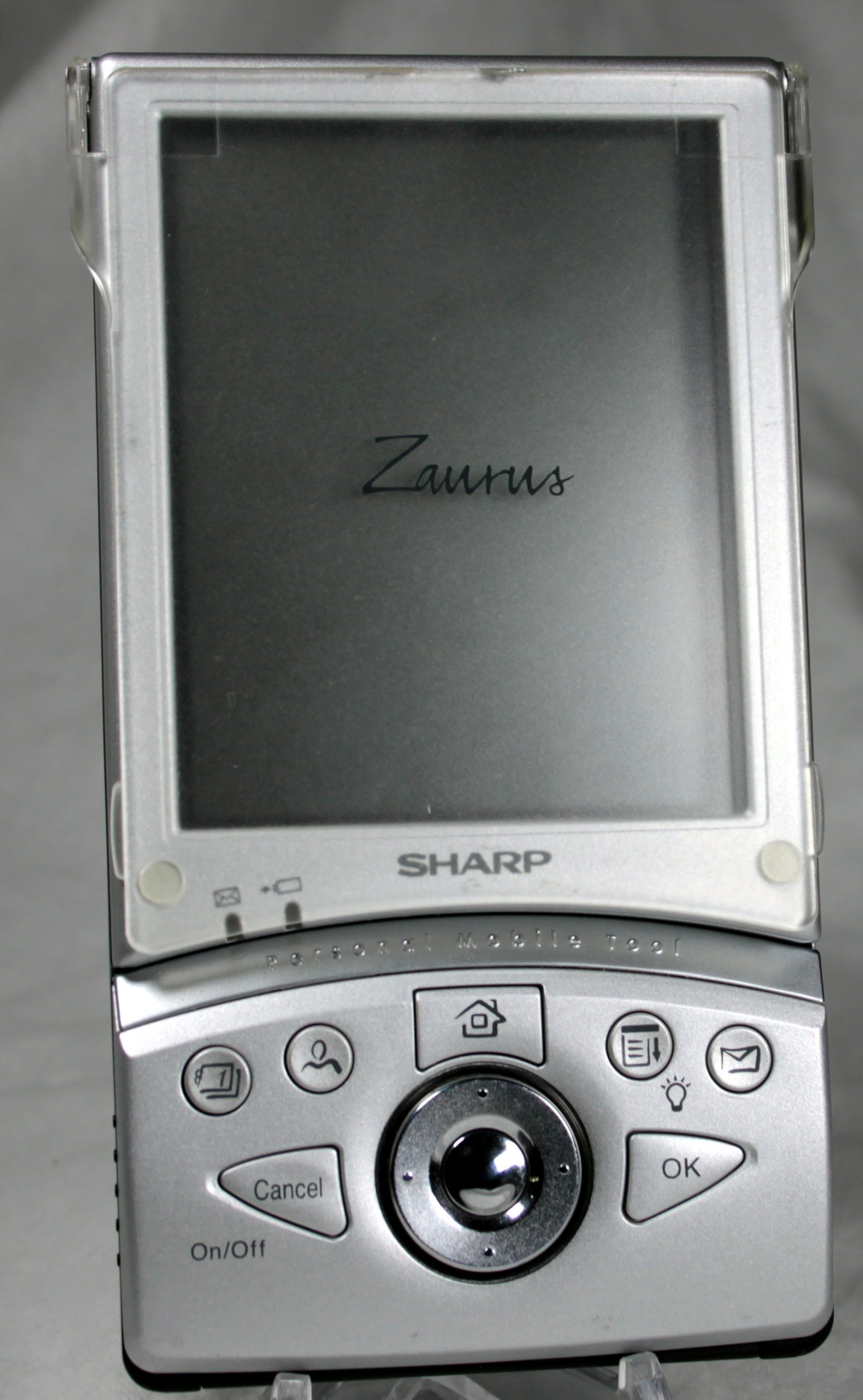
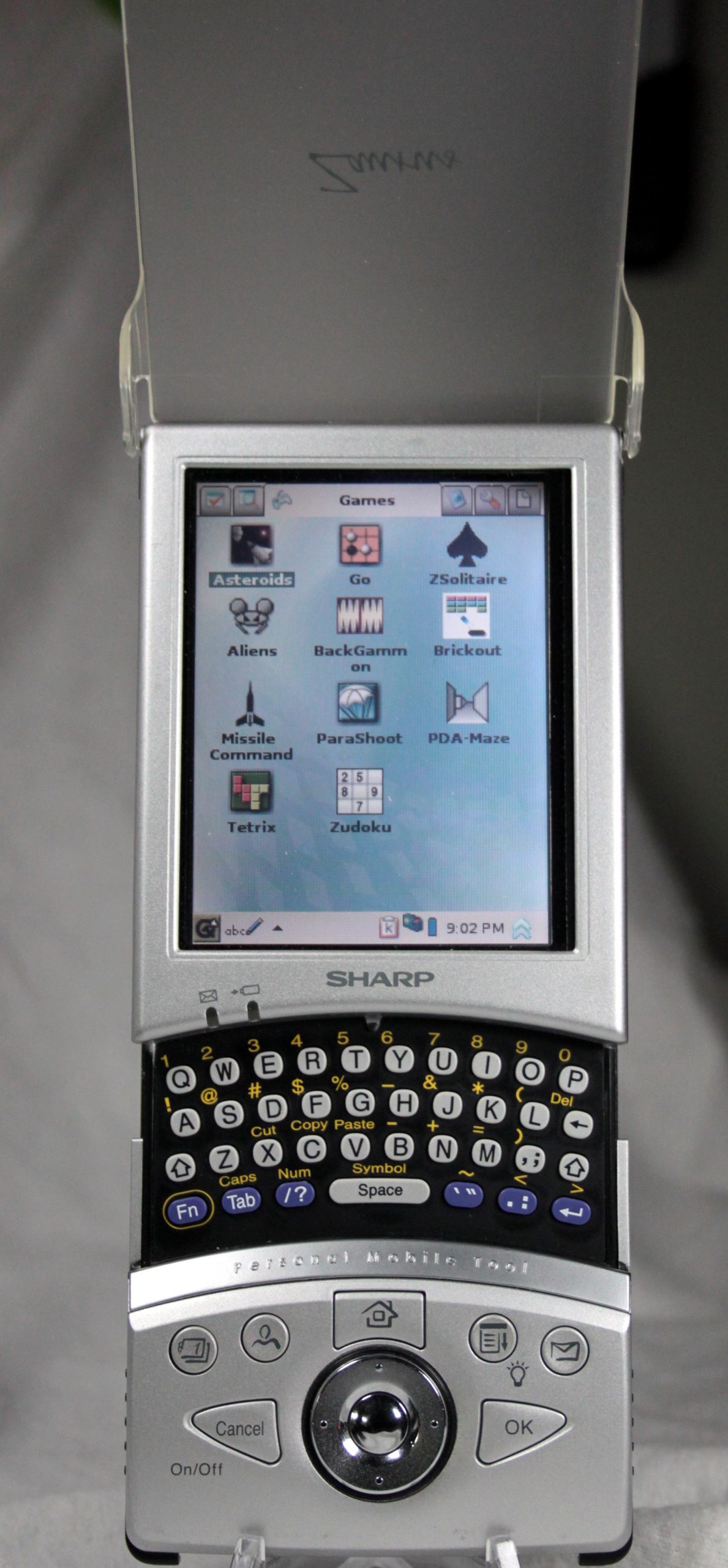
Just a quick heads up to let everyone know I am alive and well. I will be updating with exciting news, including I have a beloved Zaurus SL-6000 Tosa, alive and well. I will also be posting a video on how to replace the backup battery. This was my first attempt:
This lead to a nice gentleman from Australia, of all places, to send me off 3 Zaurii SL-6000 for the same service. From what I can tell, I am on the only person to post a video on replacing the backup cell. For the new video, it will be a bit more strait forward and step by step, with microscope shots.
I also have a huge, HUGE, backlog of Palm, Windows CE, and old school Zaurus PDA’s to post images and reviews of. Just need to be a little less lazy.
Another day, another Palm Tungsten, in this case the Tungsten C, with a built in keyboard, no less.
Starting off with the screen, it is the classic one to one aspect ratio, but high resolution color, at 320×320. With such a small screen, it is very sharp. Not quite as bright as the later TX, but still very clear and bright. Almost all of the controls are on the front, so let’s spend some time there.
Just below the screen is a little keyboard. It has 35 keys, with the rest being made up by using FN blue or green.. Below the keyboard are your standard shortcut buttons: Calendar, Contacts, Mail, and Web. I have e-mail remapped as To-do and Web for Wordsmith. For those who have never used a Palm device, you can remap the buttons to whatever app you want. At the center is a 4 way rocker and click button. Finally on the right is the power button. I like this choice, you control everything from the front of the C.
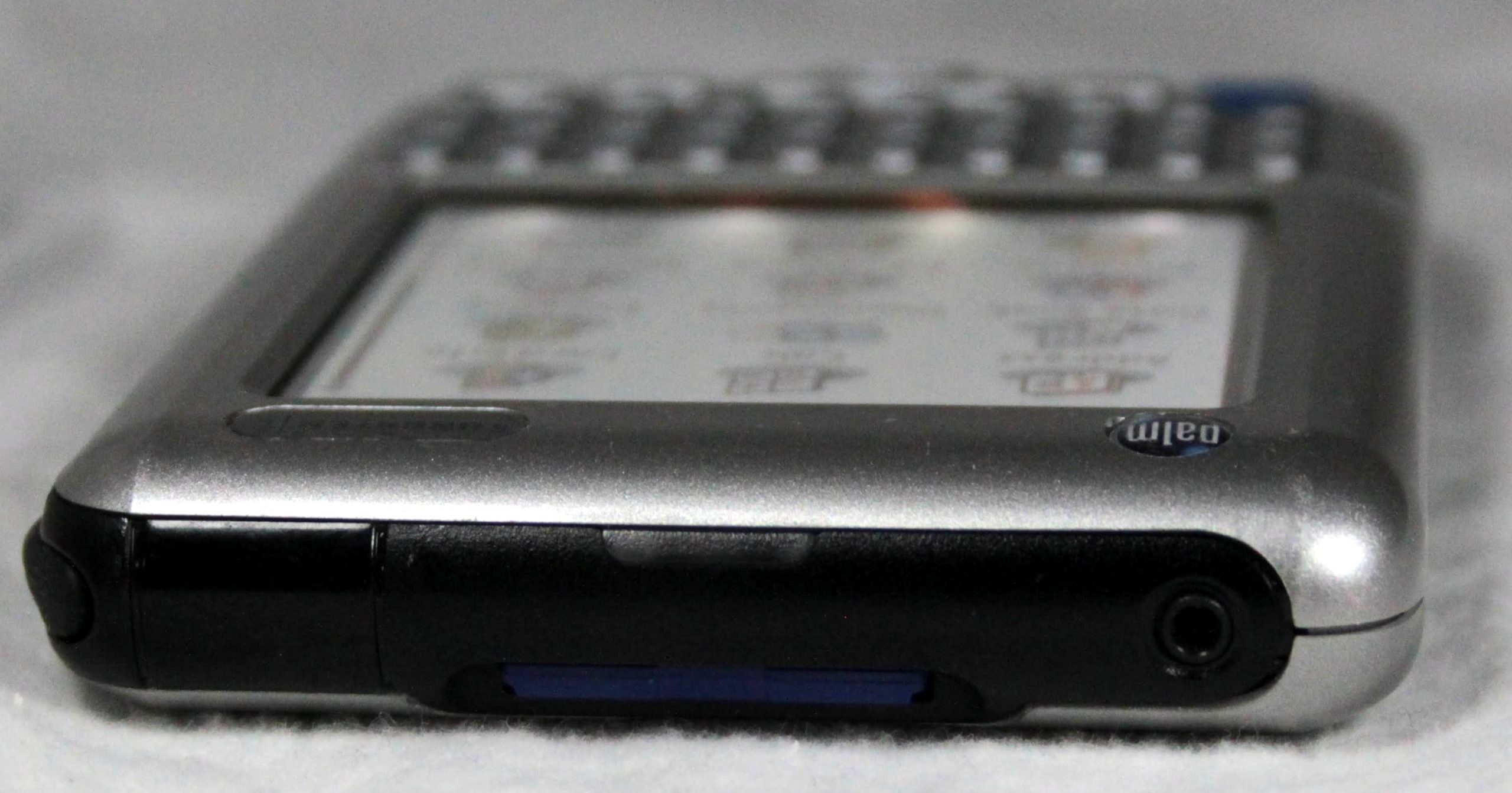
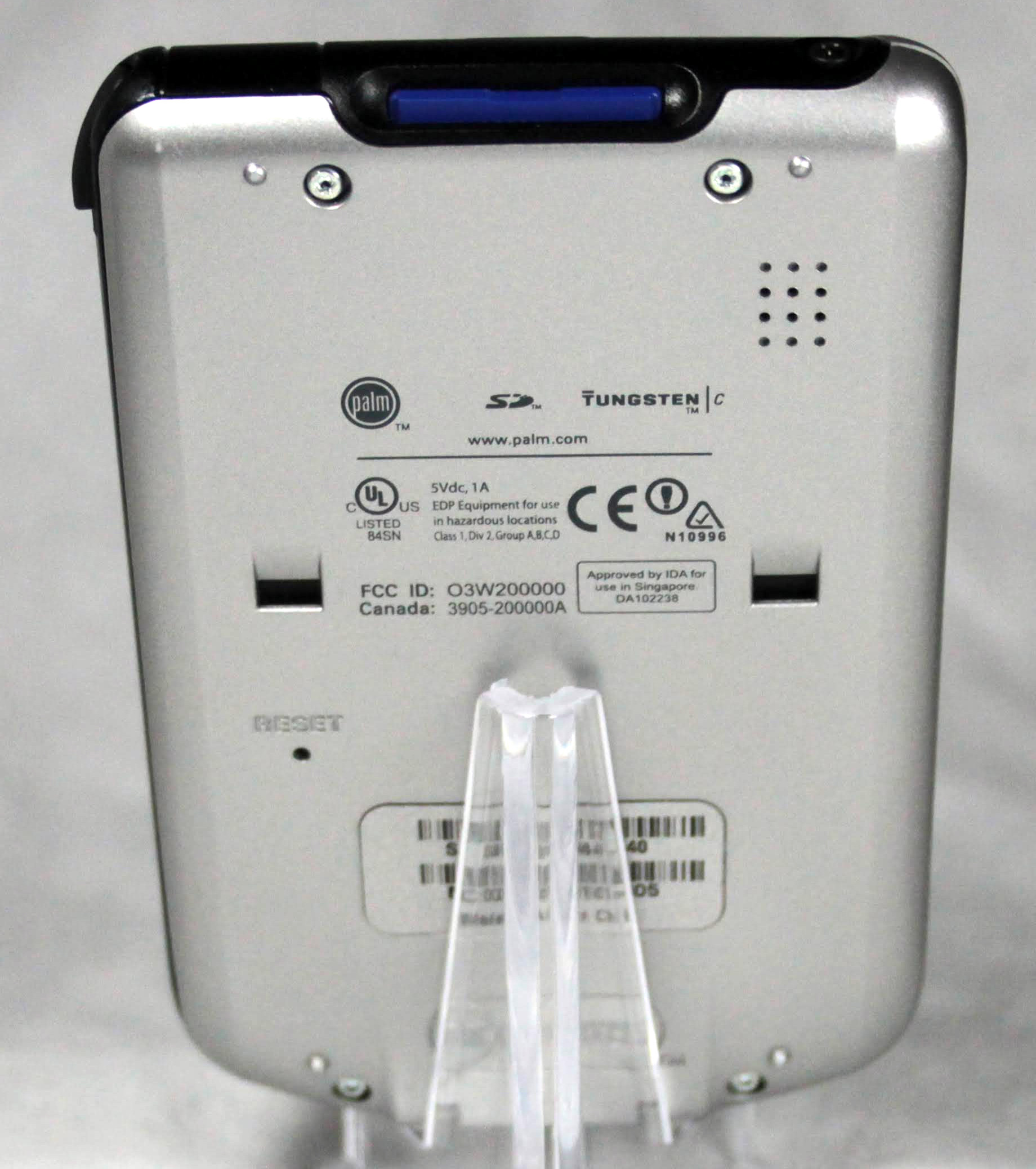
The top of the C has a 2.5mm jack, which is disappointing. A SD slot, IRDA port, and indicator LED, that is also visible from the front. You can only use 2g or less SD cards, but with the odd audio jack, it is just used for apps and backups. The stylus access is at the top right. The bottom of the C has the ‘M’ style connector to attach to USB. The C shares a cable with the M500 and does charge from the USB port.
The C runs Palm 5.2.1. It is a very quick device, running a 400MHz processor. It does also have WiFi, but trying to surf the web on this device can be a bit of a pain and you have to connect unsecured or WEP, no WPA available. It does not run Garnet, so it syncs well with the older Palm desktop. I have to keep a virtual machine for my older Palms, and Windows 10 machine with 64 bit drivers for Garnet devices, like the LifeDrive and TX
The overall aesthetic is very nice, with a unified silver plastic case. The printing on the keyboard still looks like new. For me, the killer feature is the keyboard. Much like my beloved Zaurus, you can enter data relatively quickly on the little keyboard. I like using it for shopping lists. With an external IR keyboard, you can really get some work done. This whole review was typed in on the Tungsten C. It’s a fun device and still pretty useful. I didn’t really mention the apps, they are standard fare and just works. It gives me the keyboard of a Zaurus, super sharp screen, and the Palm ecosystem of apps that still works with modern computers.
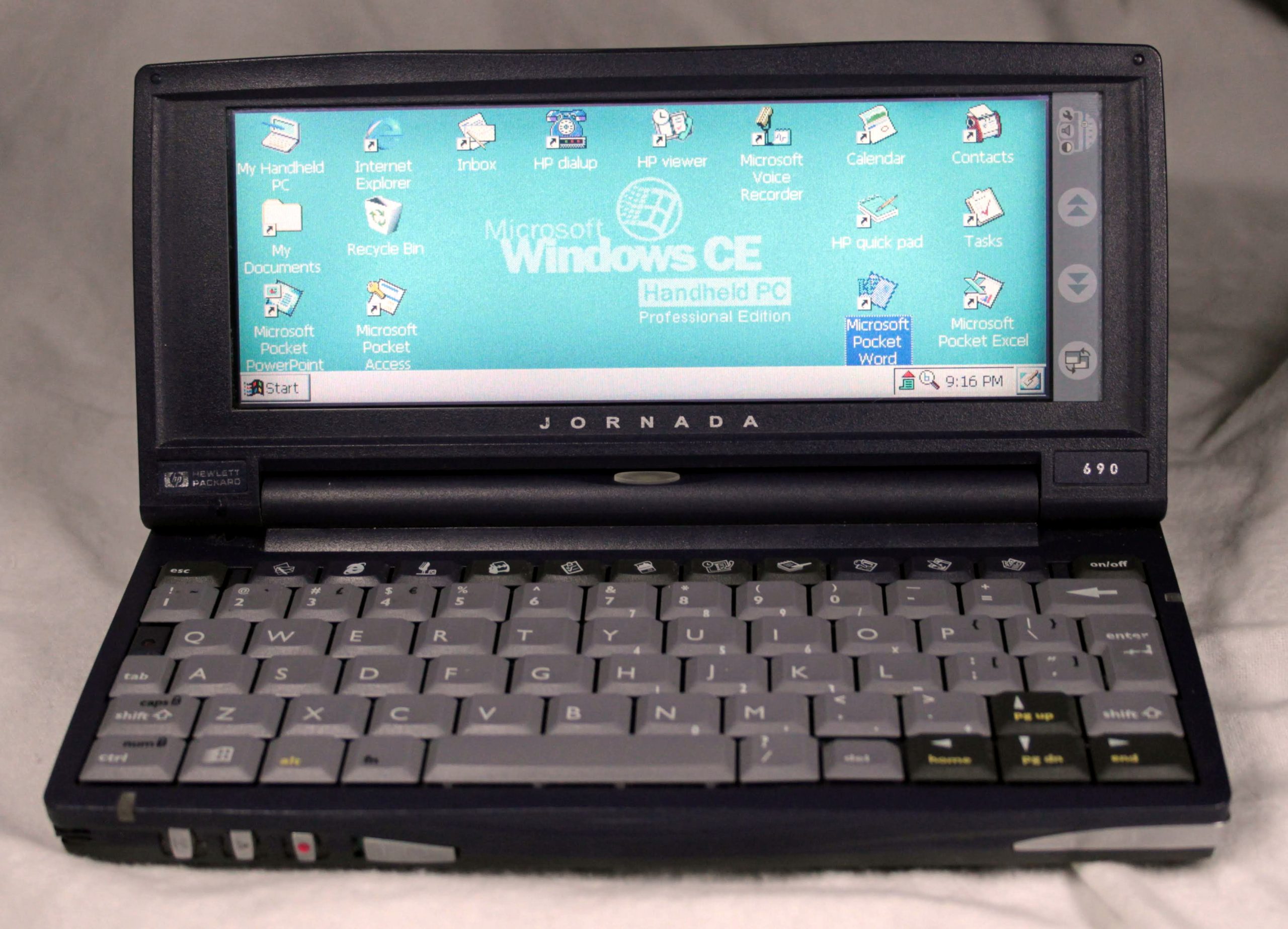
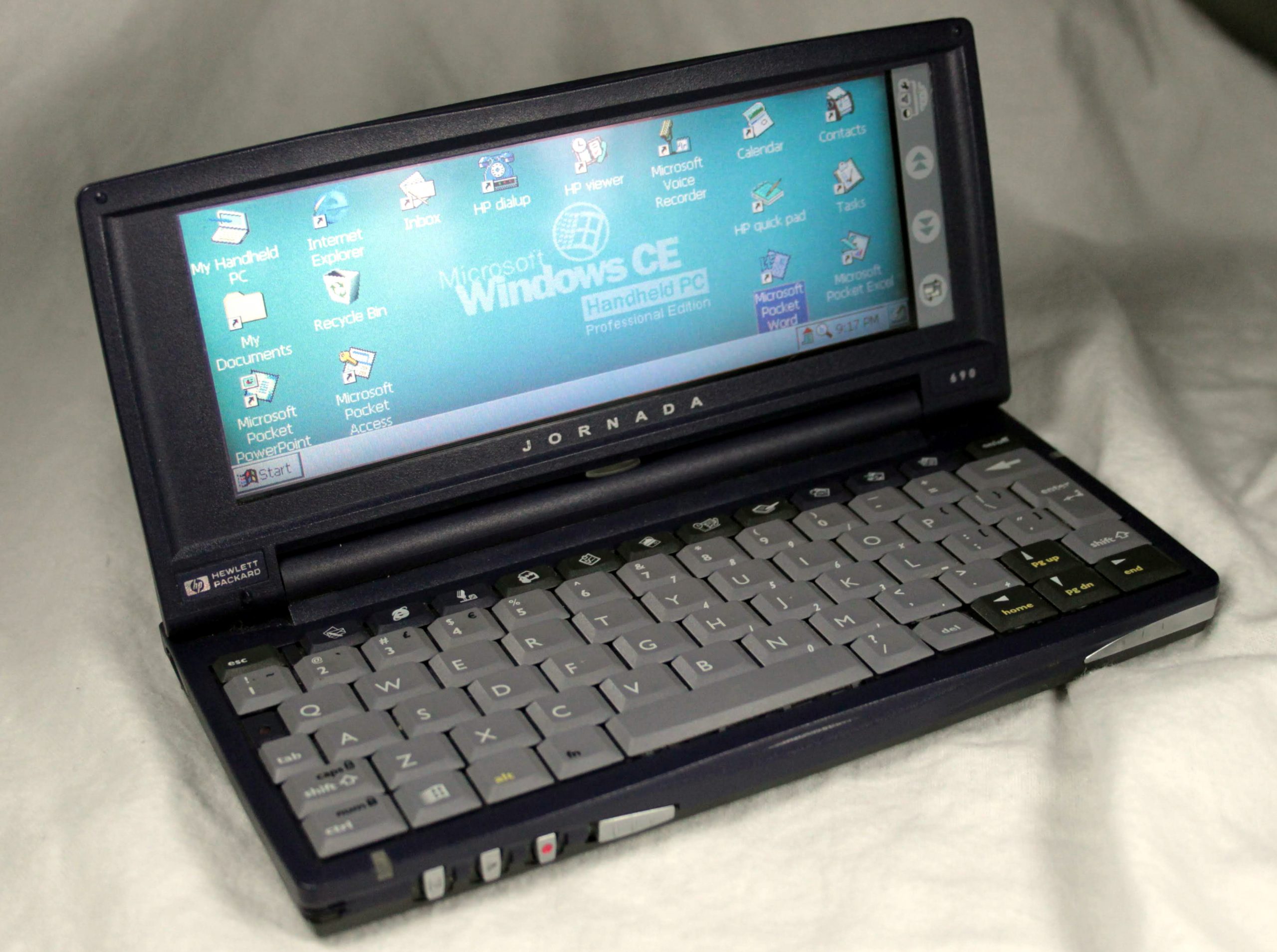
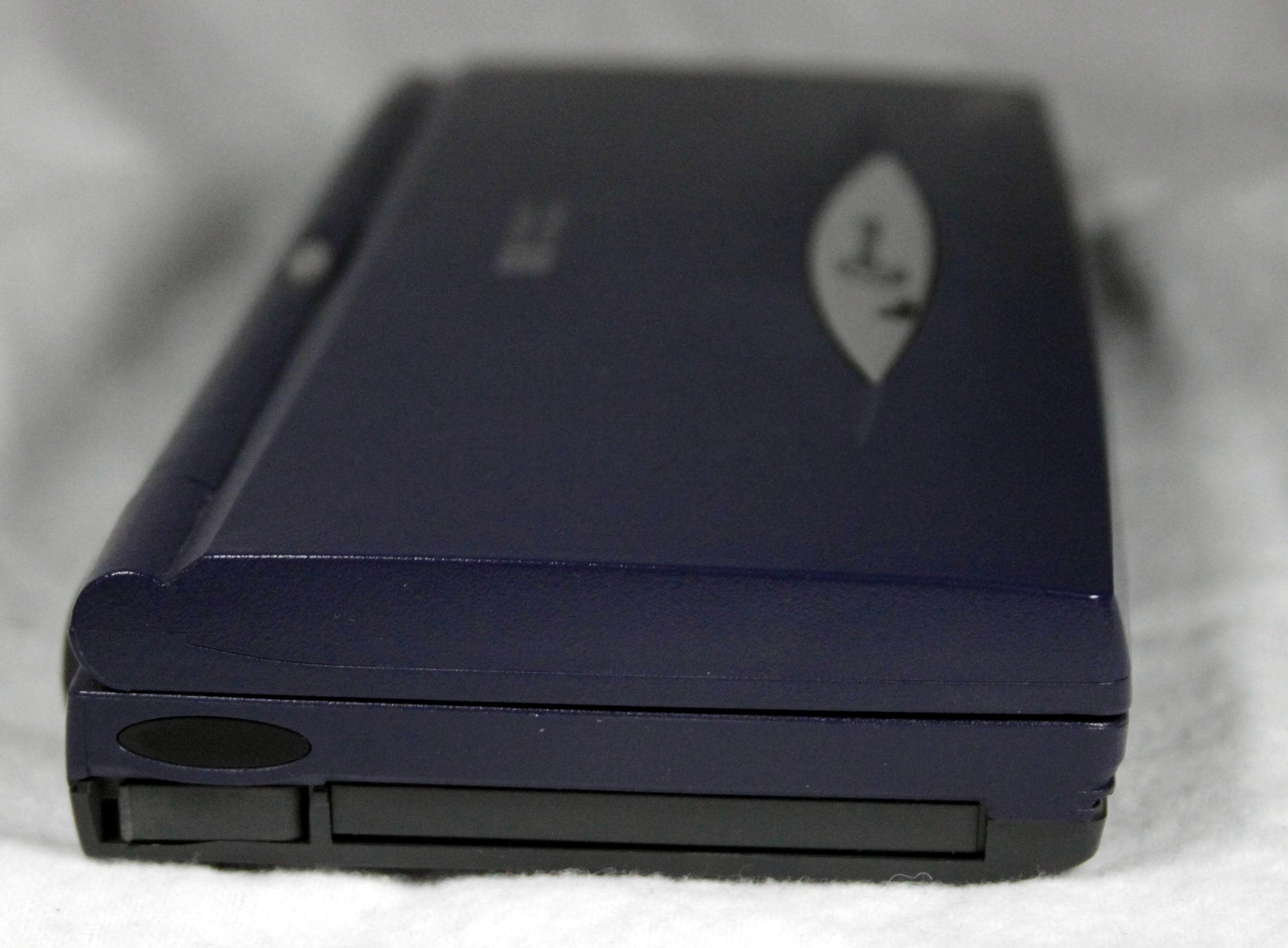
Ah, yes, I have my hands on one of dream pocket PC’s of the late 1990s, the HP Jornada 690e. I really wanted one of these machines back in the day.
The overall aesthetic of the 690e is solid late 1990s, in this case, 1999. It is a dark purple, think Transformers Shockwave. The form factor is tiny laptop. Starting with the display, it is a half height VGA, 640×240. The colors are good and even though it looks like a passive LCD, the updates are reasonably quick and fine for office type stuff. The screen is resistive touch and quite accurate. The screen is very wide, 2.66:1 and close to 7 inches across. Makes an enjoyable experience in most applications.
Moving down to the keyboard is where this device really shines. It is a half size keyboard, that is very responsive and just big enough to touch type in. In fact, this whole review is typed on the 690e. It is a classic laptop layout, with a full row of number keys and quick launch keys. There is an embedded numeric keypad. I do appreciate how little you need to use the alt and fn keys.
Speaking of the quick launch keys, this is a good opportunity to dive into the operating system and software. The 690e runs Windows CE 2.1. It was especially written for tiny form factor PCs and features pocket versions of many of your typical Windows 98 applications. From left to right are an Outlook like email, Pocket Internet Explorer, Voice Recorder, Address Book, with a really retro Rolodex icon. Dear younger readers, a Rolodex was a paper card based way to lookup addresses and phone numbers. A to-do list, calendar, a combo calendar and phone book, notepad, and the stars of the show: Pocket Access Database, Pocket Excel, and Pocket Word. These are all smaller versions of the desktop equivalents. They are all surprisingly competent and I am sure were the main draw of Windows CE based devices. With the excellent keyboard, you can get 95% of your work done on this palmtop. With Windows CE, if you have ever used Windows 95/98, you will have no trouble finding your way around.
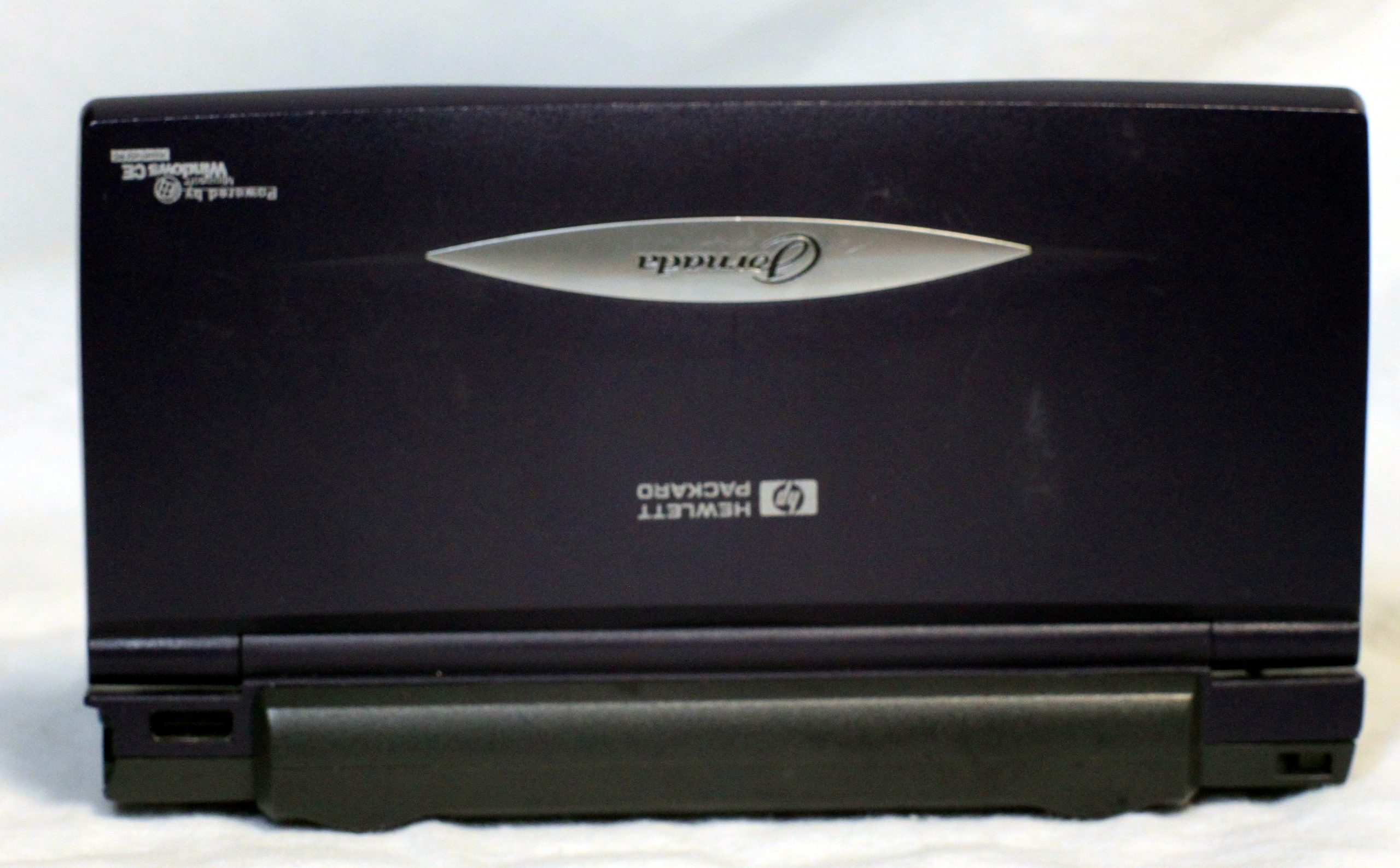
Rounding out our tour of the hardware, on the front is controls to use this device as a voice recorder, including record, forward/back and the actual microphone and a hardware lock to prevent accidental recording. On the right is the stylus, which pops out with a press of a button. The stylus is adult sized, finally. On the right side is the coaxial power input and…a 56K modem! For the time, this was just great. The back is simple, with the battery and sync port.
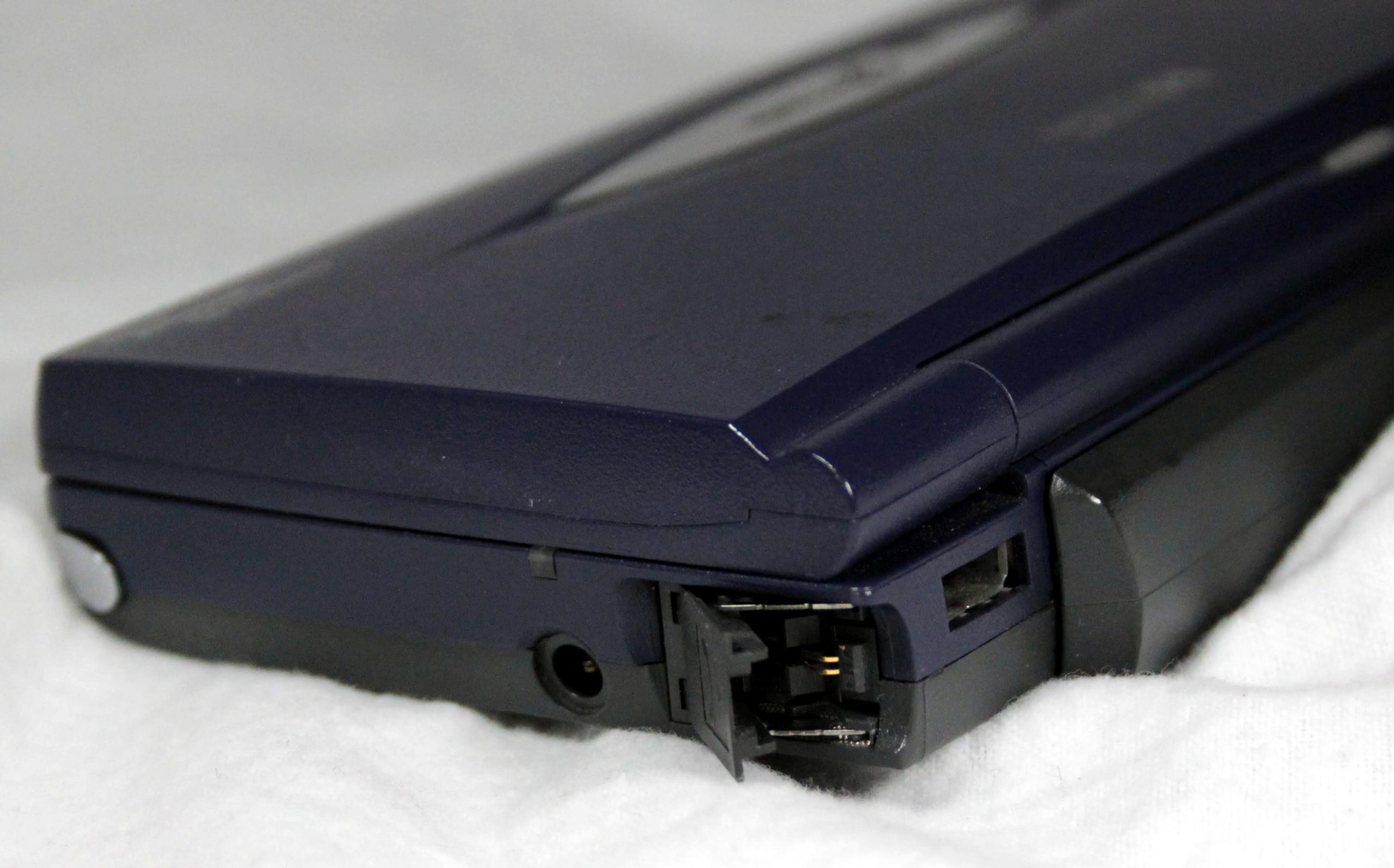
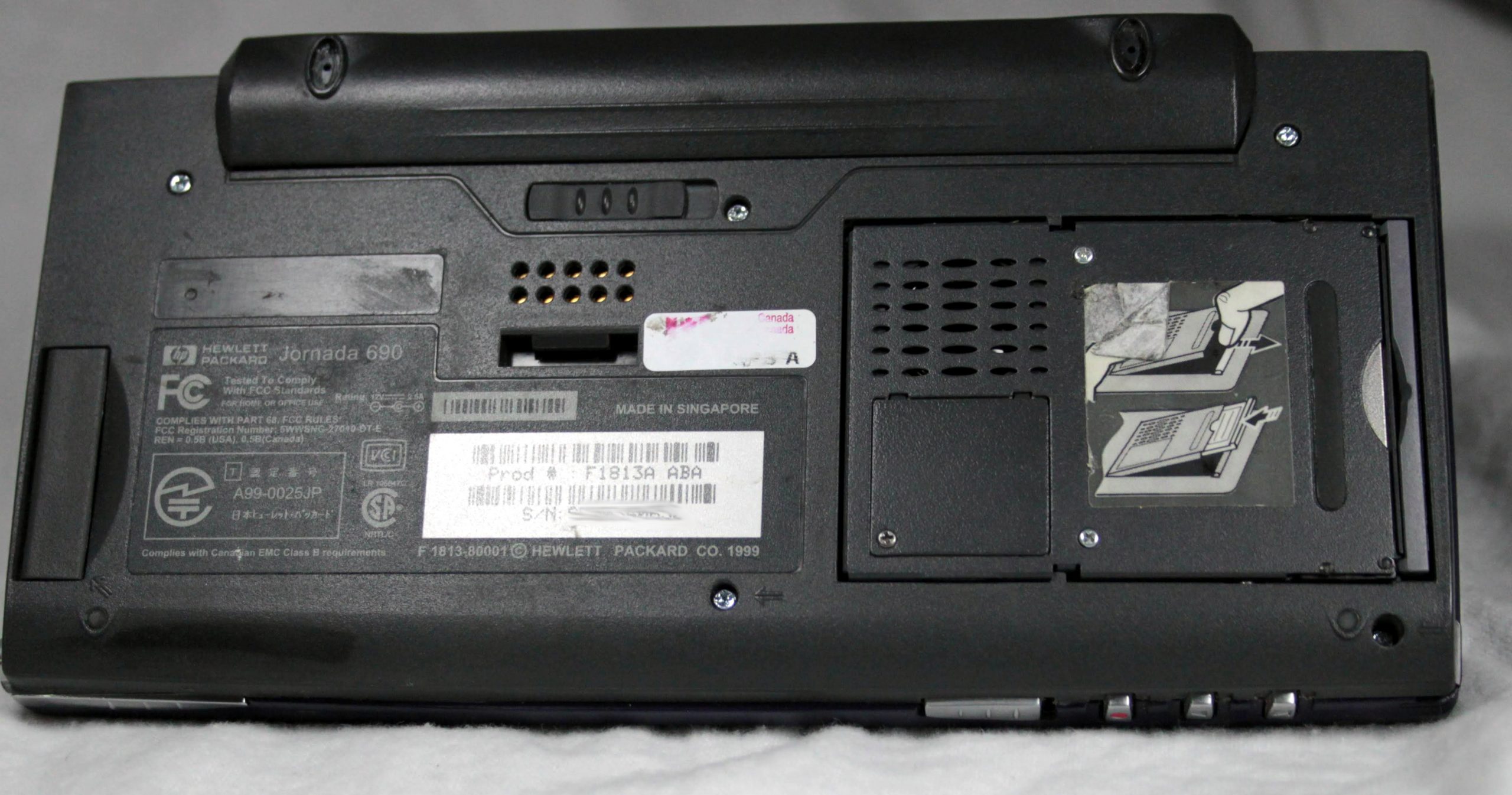
The left side is where a lot of action is at, with the magic slot to accept a PCMCIA card and IR port. On the bottom is access to the Compact Flash slot and backup battery. I e would like to get networking working on this device, but I have not found a 16 bit card for less than a fortune.
Hardware and software wise, this a a quality palmtop. My only real complaint is just how hard this device is to use in conjunction with modern devices. All of my Palm devices sync with Windows, all the way up to Windows 10! This poor little guy can only sync to Active Sync 4.0, via serial port, in Windows XP. The other issue is just simply getting IR to work correctly. It does not play well with Palm. When I go from Palm to Palm, or heck, Palm to my Zaurus SL-5500, I can send whole categories back and forth via IR. As a fun toy, it is very interesting, but as a practical, day to day device, something like a Palm TX would be much more practical.
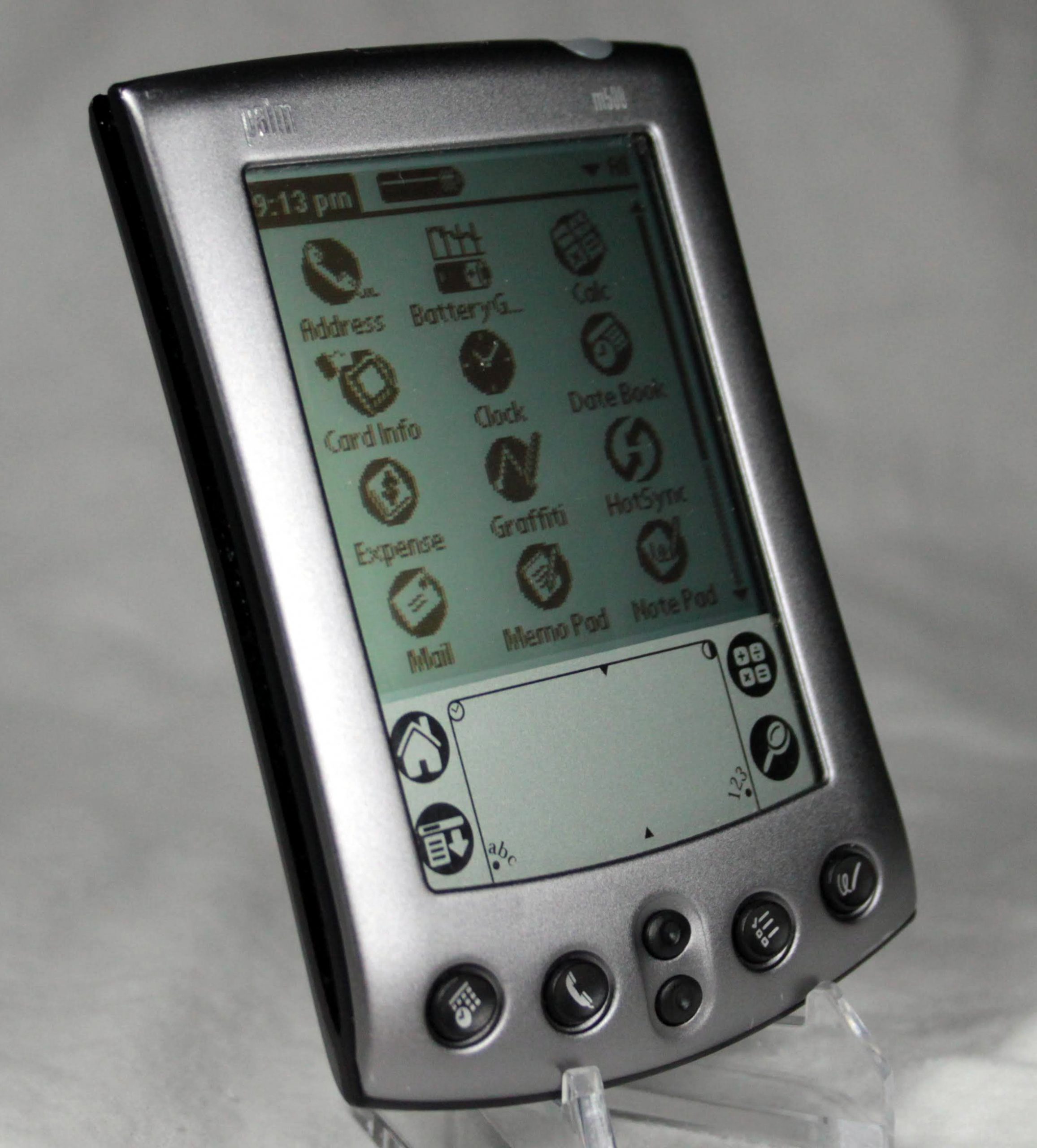
Back many years ago, for my first engineering job, I had M515 color handheld. It was great for taking notes , keeping my schedule, tasks, etc. I really wanted to see how the M500 compares. Black and white Palm PDAs are pretty inexpensive. So off to eBay I go and pick up a M500. I am very pleasantly surprised by this little PDA.
First off is the amazingly sharp screen. It is a 160×160 16 level gray-scale. It is one of the best black ad white screens I have seen. It almost all lighting it is readable. Much better than older Palms and windows CE devices. The best thing is low power draw. This sucker can go for weeks on one charge. The overall form factor is sleek and clean. It is very thin and easy to pocket. Below the screen is the standard Palm touch area, home and menu on the left, graffiti area in the center, calculator and search the right. Below that are hardware buttons. Calendar, Contacts, up down, tasks, and notes. Very clear and easy to use. The case is all metal and on the back is something I didn’t expect, Assembled in USA. Much like my beloved dana.wireless, relatively modern electronics Made in the USA.
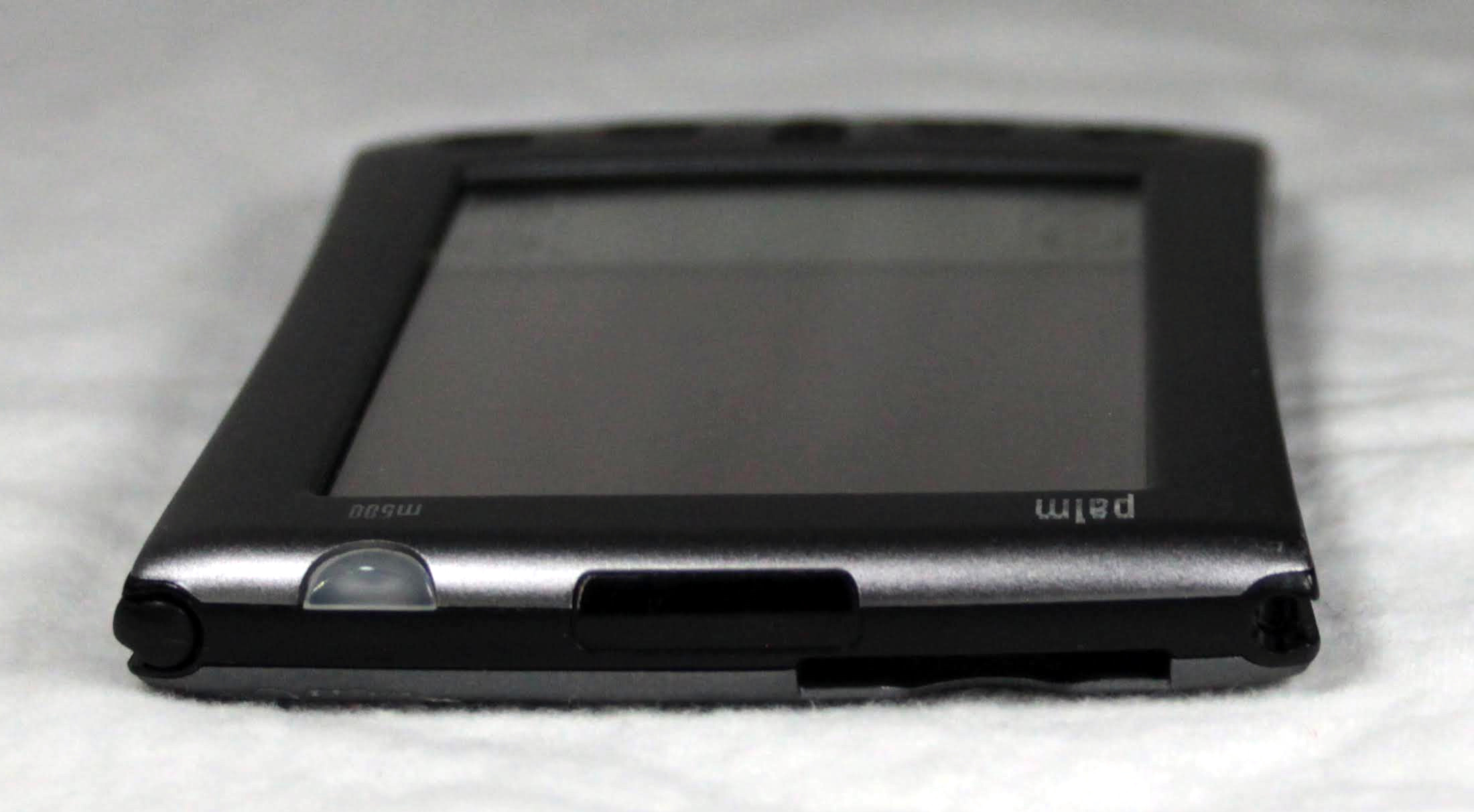
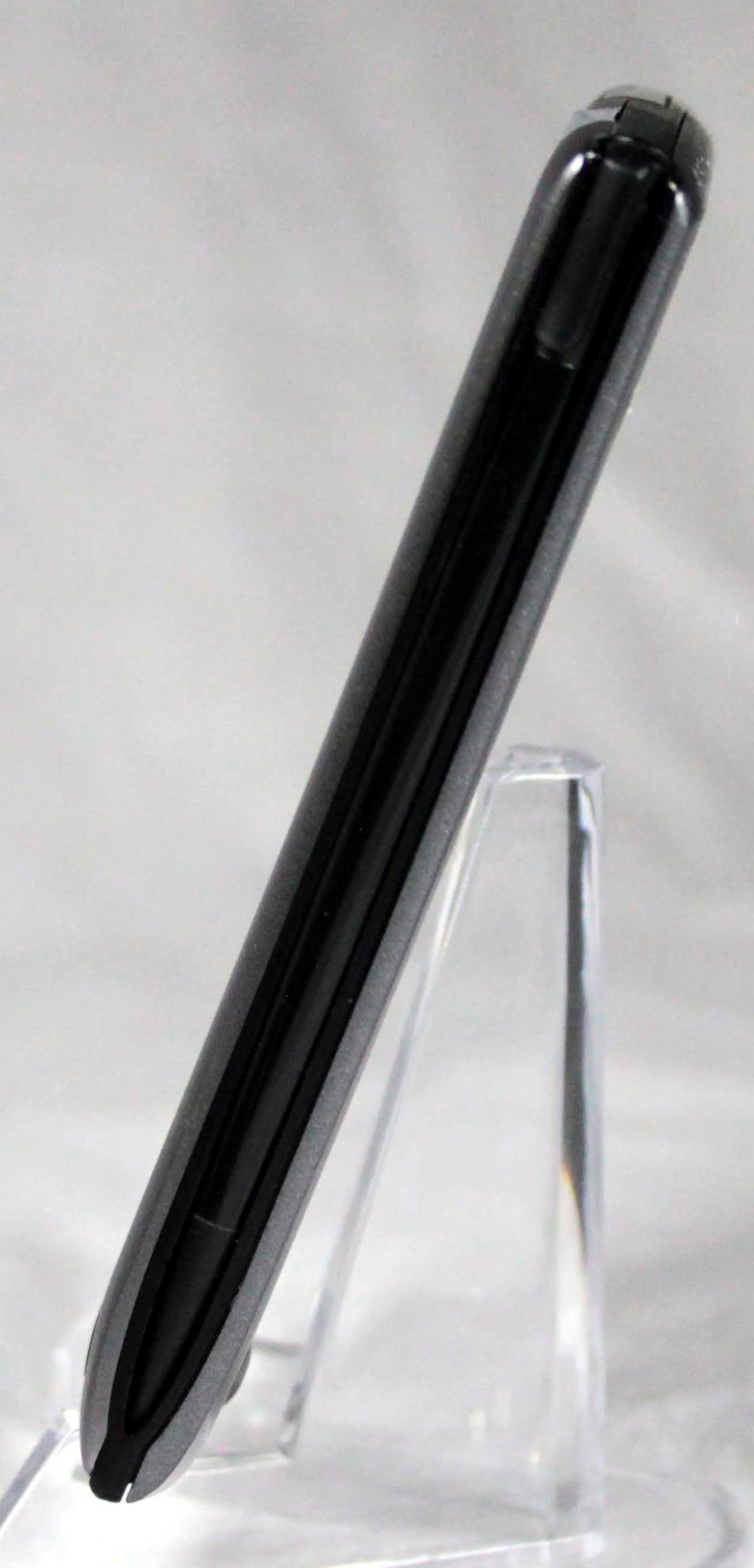
Along the top are a SD/MMC card slot, which I have not really used, but it is there. Also is the IR port, power switch, and stylus. Along the bottom is the I/O port, which is shared with one of my tungsten PDA’s. As a side note, I did need to replace the battery on this unit, but, as long as you have a torque driver, it was very simple and I now get hours and hours of battery life.
The OS is Palm 4.0, which I may try upgrading one of these days, I think it can be upgraded to 4.1. It is clean, simple to use, and half between the classic 3.x OS and 5, aka Garnet. It syncs quickly via USB, not old timey serial port, and plays well with modern operating systems, unlike some Windows CE devices I will mention.
Day to day, it is a classic PDA, built for a professional. All metal, clear screen, sleek, and feels like a tool, not like a toy or gadget. This is a daily organizer for the professional crowd. I am sure there are still people using the type of Palm for daily work. My favorite feature of all Palm based devices is they perform what they were designed for: keeping you organized. Your calendar, contacts, and to-do lists all talk with each other. Your dated to-do items show up on your calendar, and you can link your contacts to you calendar or to-do. It just works. It’s a solid choice if you want to get into the world of Palm collecting but be forewarned, you will probably have to replace the battery, but it is inexpensive and often come with the driver you will need. I don’t regret this addition to my collection.
After many years, I finally have my hands on another Sharp Zaurus. In this case, my first Zaurus model, the SL-5500. If you want to read the full history on the Zaurus line, wikepedia has an excellent section. In my case, after my Agenda VR3, the first true Linux PDA ended up face down on a tile floor, with a cracked screen, this was my next PDA. I had it for several years until I picked up a SL-6000, which I still regret selling. Someday…
Zaurus Cover
Off tho the review. The overall look of the Zaurus is very clean. The 3.5” screen is protected by a translucent screen protector, with Zaurus emblazoned. The screen itself is a transflective, side lit, LCD. No where near as bright as a modern IPS, but very clear, and very easy to read in direct sunlight. It is a respectable 320×240, with 65,556 colors. Just below the screen is two status LED’s. One for Mail, the other for Charging. Below that are, if you familiar with Palm/Pocket PC, control buttons. From left to right are Calendar, Contacts, Home, Menu (with back-light control), Mail. Below hat are Cancel (on/off), a 4 way directional pad, with central click button, and finally an OK button. The are all nice and clicky and can be used in the dark. With a quick flick of the thumbs, the whole control area slides down to reveal a QWERTY keyboard! It has 37 keys and pretty darn small, but it works. Still more accurate than most onscreen keyboards.
Keyboard
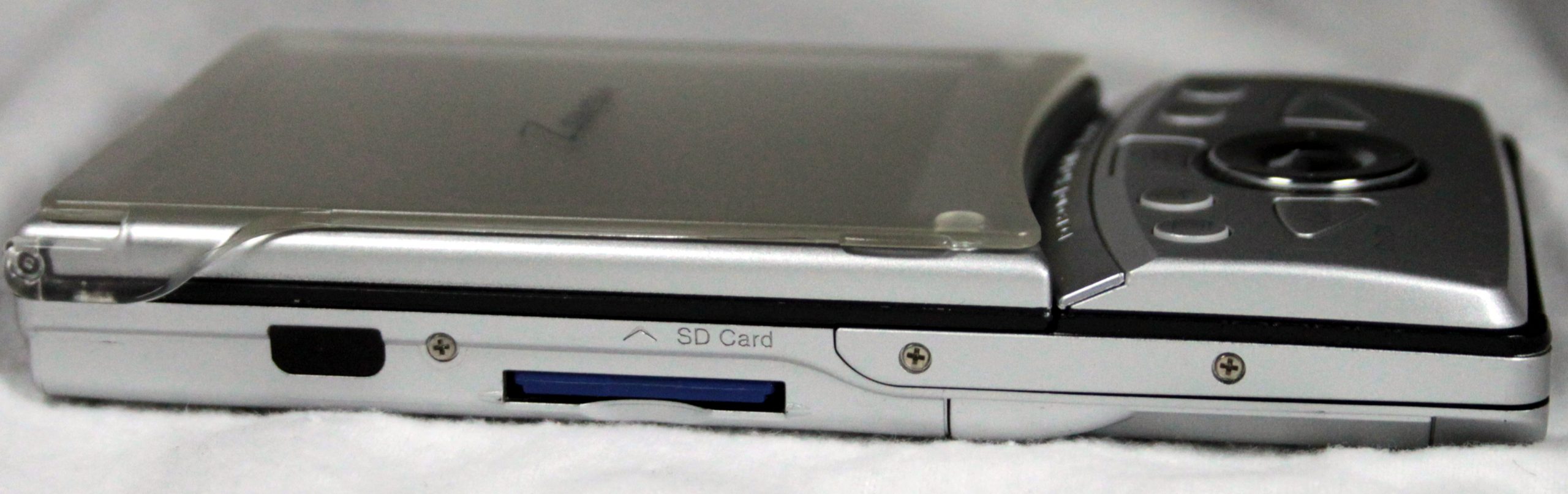
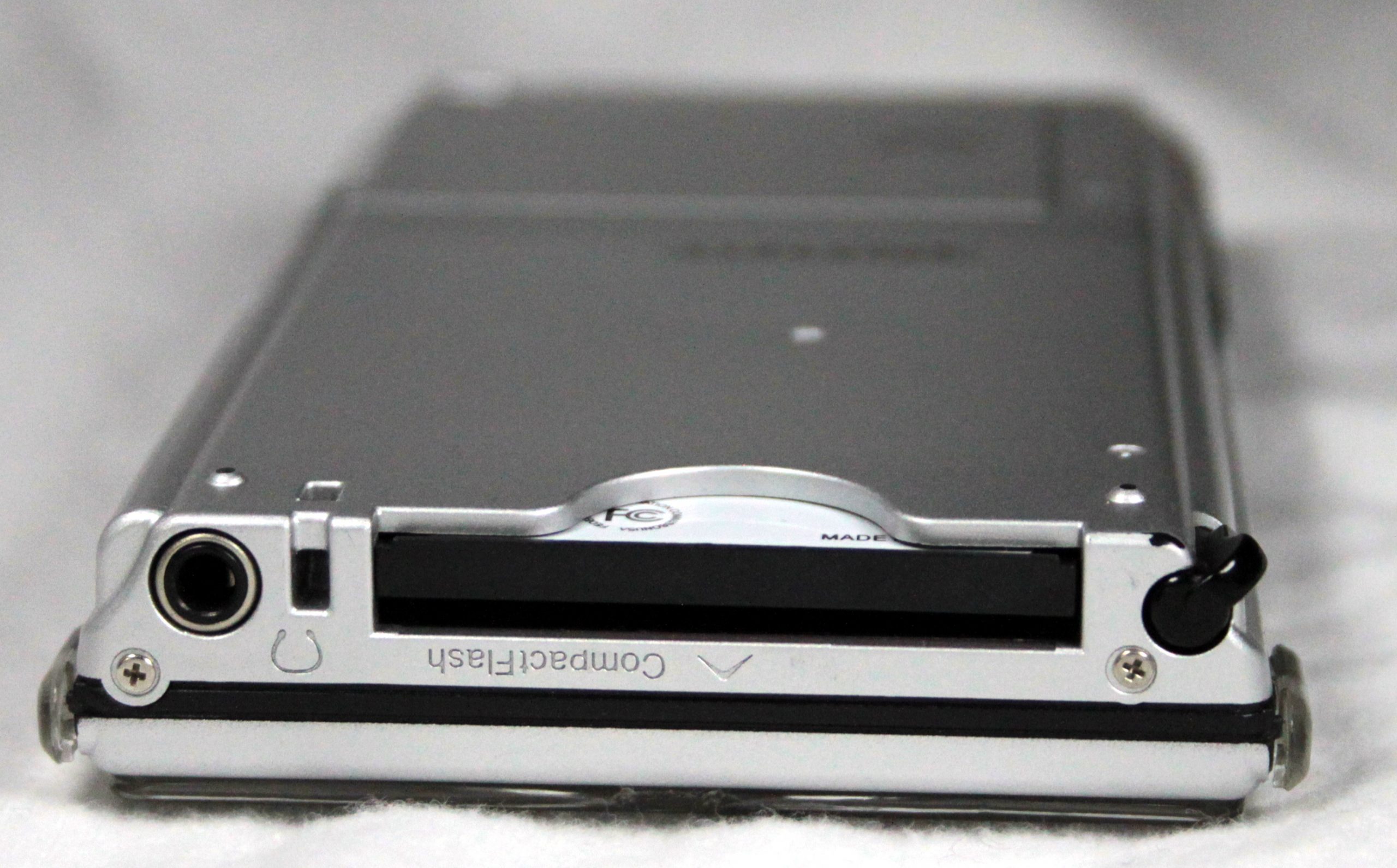
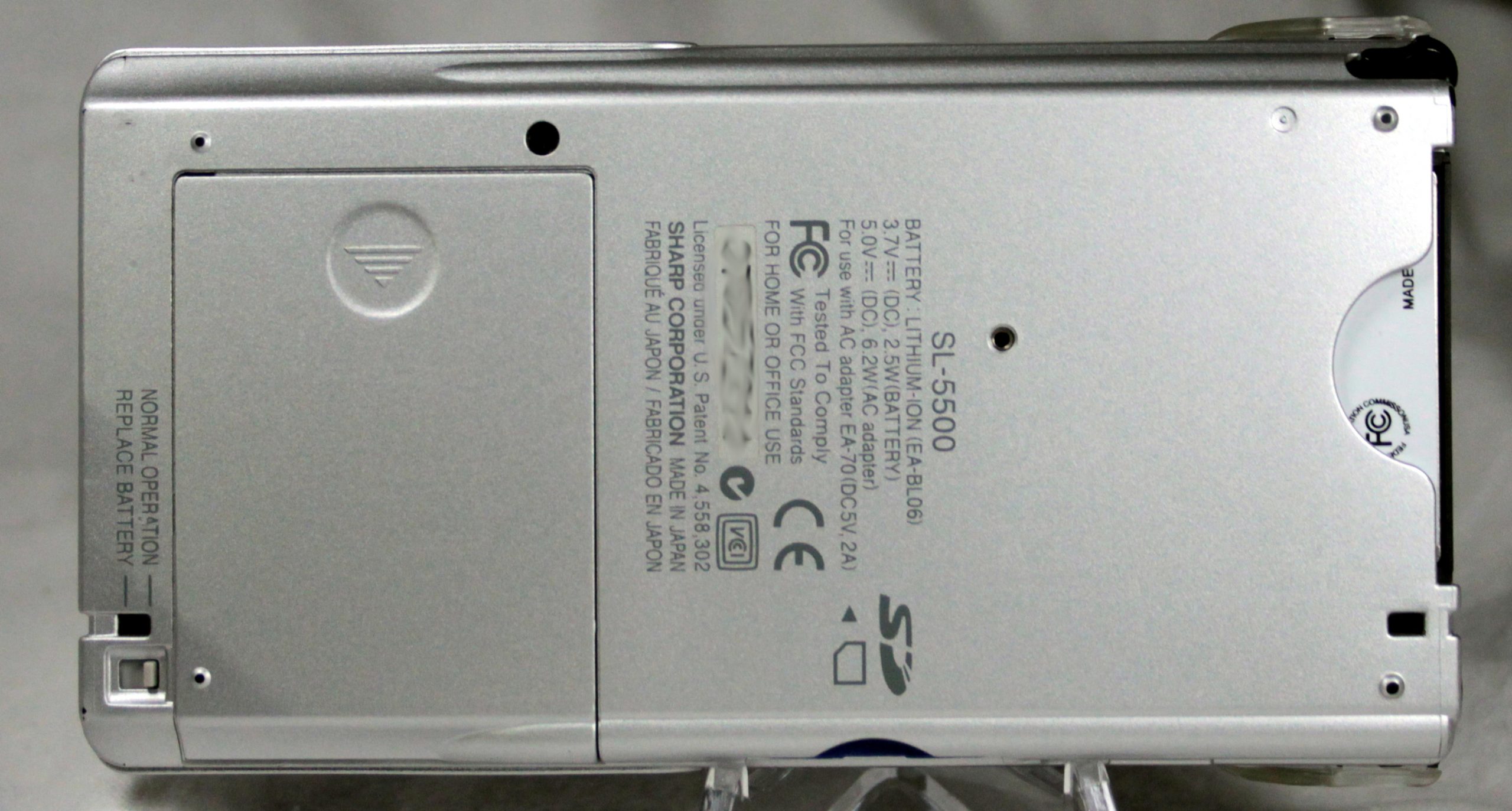
For those used to modern, sealed off devices, the SL-5500 is a hacker’s dream. The battery compartment takes nothing more to open that moving the switch on the back to ‘change battery’ and sliding the door off. Battery can be changed on the fly, there is a super capacitor to hold memory. For other gasp expand-ability, on the left side is a full sized SD slot, along the top is a Type II, the big one, Compact Flash slot. The SD slot does not handle High Capacity, but the CF slot, with an adapter, has no problem reading a 64gig SD card 🙂 I also have a wired T10 Ethernet adapter card. Back in the day, I had a camera module and wireless module as well. As my collecting continues, I’ll try to get them again. As a standard PDA features go, it has an IRDA port along the left side, stylus holder on the right top. The stylus a mostly metal and easy to hold. Also at the top is a 3.5mm stereo headphone jack.
SD CardCF Slot
The software is where the Zaurus really is a different beast. It runs Linux, with a Qtopia (same toolkit as KDE ) graphical desktop. If you used KDE years ago, which I did, it is a very familiar experience. The Qtopia desktop is a combination of handheld and desktop experience. There are multiple tabs across the top, organized intelligently into Personal Information Management, Applications, Games. Utilities, Settings, and Files. You can customize and add/move applications. I wish modern mobile operating systems would so something similar. Super easy to find everything. In addition, along the bottom is a ‘Start’ button which duplicates all the tab launchers, task bar, and system tray, with clock. If you have used a computer in the last 25+ years, you will be very familiar. My Zaurus has ‘The Kompany” ROM installed, which fixes quite a few of the issue with the stock ROM, adds additional drivers, and moves several of the large applications to the user space.
Battery Door
I will go into the other applications in other posts. This is to survey the hardware, not to dive into the scores of applications available. One final note, it turns out this humble website is about the best source I could find on Zaurus applications. I saved all of them years ago, and you can find them in the Feed.
I am so happy I bought one these little guys to play with again. It will let me check all the applications that I do have posted, to see if they actually work on the SL-5500. It is a very competent device to play with, and with the expand-ability, I can still use it day to day for PDA stuff and a music and podcast player. All I have had to do with it so far is replace the battery, which takes all of about 5 seconds to do. I’ll keep this site updated now that I have a Zaurus again, and way too many other Palm and Windows CE/Mobile devices to play with.
After many years, I finally have a Zaurus again! Back to the past with the SL-5500. Along with that, I am updating the Zaurus Feed. It turns out this humble website has been my own, best, resource for packaged for the Zaurus. Go figure.
On the other end of the Palm spectrum is the Palm TX. One of, if not the last pure PDA made by Palm.
The overall look is simple and elegant. The case is a dark purple plastic and very light to hold in the hand. The screen is 3.9″ diagonally, which is actually larger than the original iPhone. Like the original iPhone, it has a 480×320 screen resolution. The TX was released in 2005, the original iPhone in 2007, so you can see who borrowed from whom, down to the large control button on the bottom. Unlike phone, and much like PDAs, it used a resistive touch screen, single point.
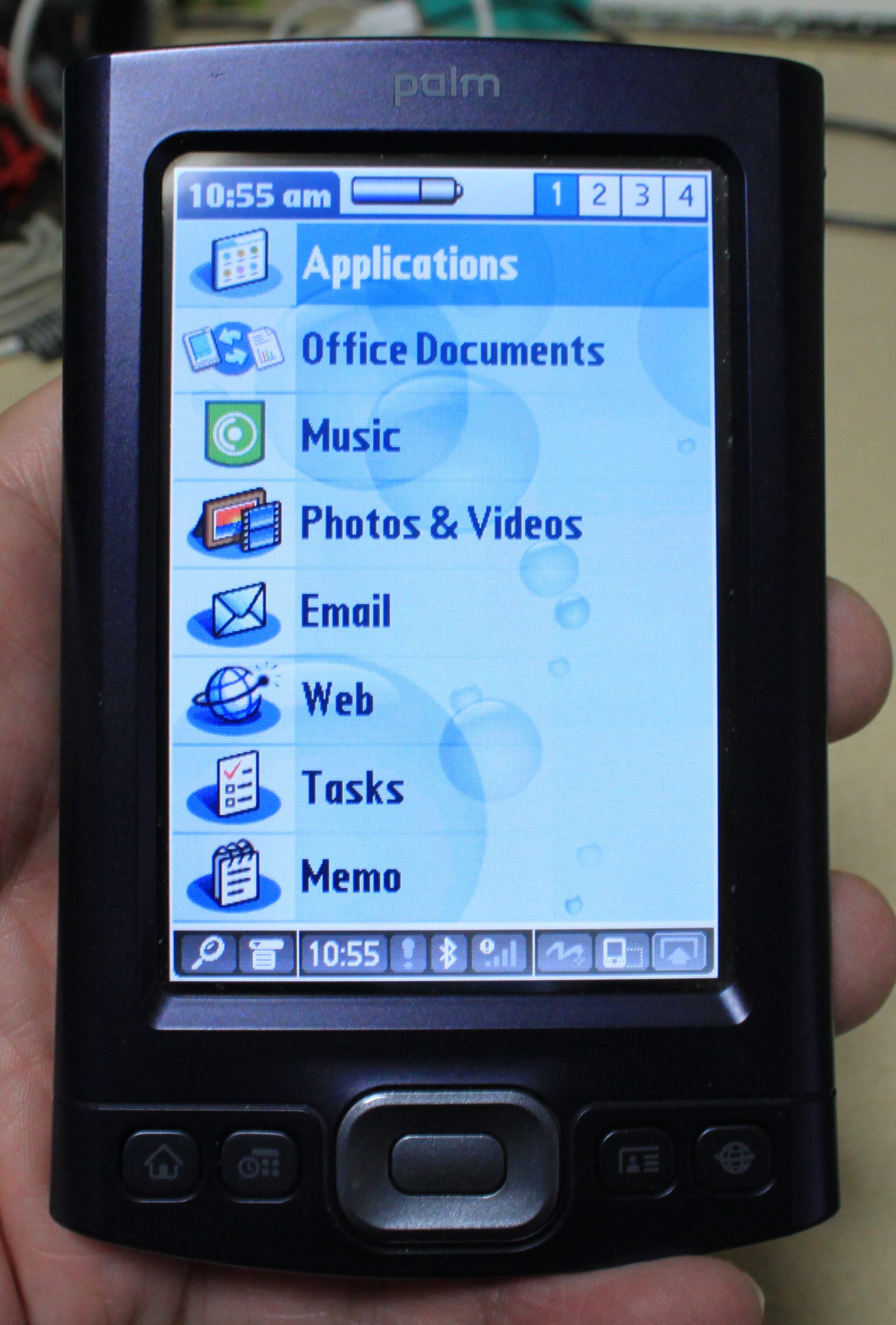
Also along the bottom of the screen are 4 dedicated buttons, home, calendar, contacts, and web. The center button is an enter key, with a 4 way rocker around. Great for controlling music applications. The screen is bright and easy to use under all lighting conditions, including direct sunlight. Along the top is the power button, 3.5mm headphone jack, and full sized SD slot. With a little piece of free software, you can use up to 32G SmartMedia cards.
The user interface is common to all ‘Garnet’ based Palms. You can switch between traditional icons or have an organized list. The included applications are very capable, which include a web browser and e-mail. The TX has Wifi and Bluetooth! I have to admit, getting this little guy to work with 2021 Internet is a bit of challenge, and not really worth it.
I use this PDA to hold all my contacts and as my main music and podcast player in the car. Like it was originally designed, it works great as a PDA and one of the better MP3 players I have used. The battery life is still very good and I can sync it with my PC with no issues. It was made up until Palm ended in 2009, before smartphones really kicked PDAs out of the pocket computer market. That all being said, it really was a great demonstration of what a PDA could be and I still wish modern phones had as good of a scheduling, note taking, and calendar as the good old Palm Pilot.
As you can see with the marks are dirt, this is a my daily use Palm device. They are still very affordable on eBay, and if you want to have a practical Palm device, this is a great one to start with. Just be sure to get one that hold a good charge and comes with a charge and synchronization cable.
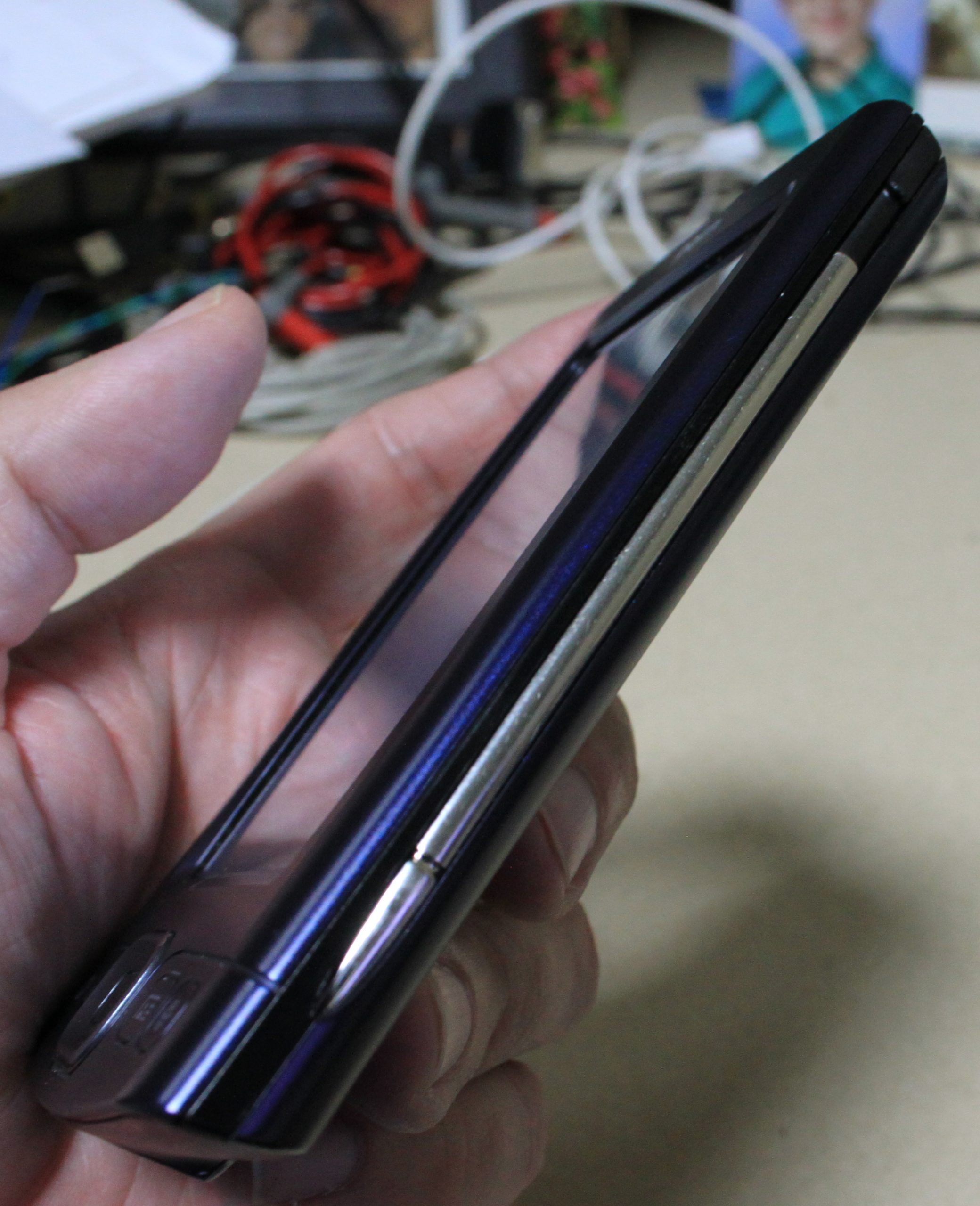
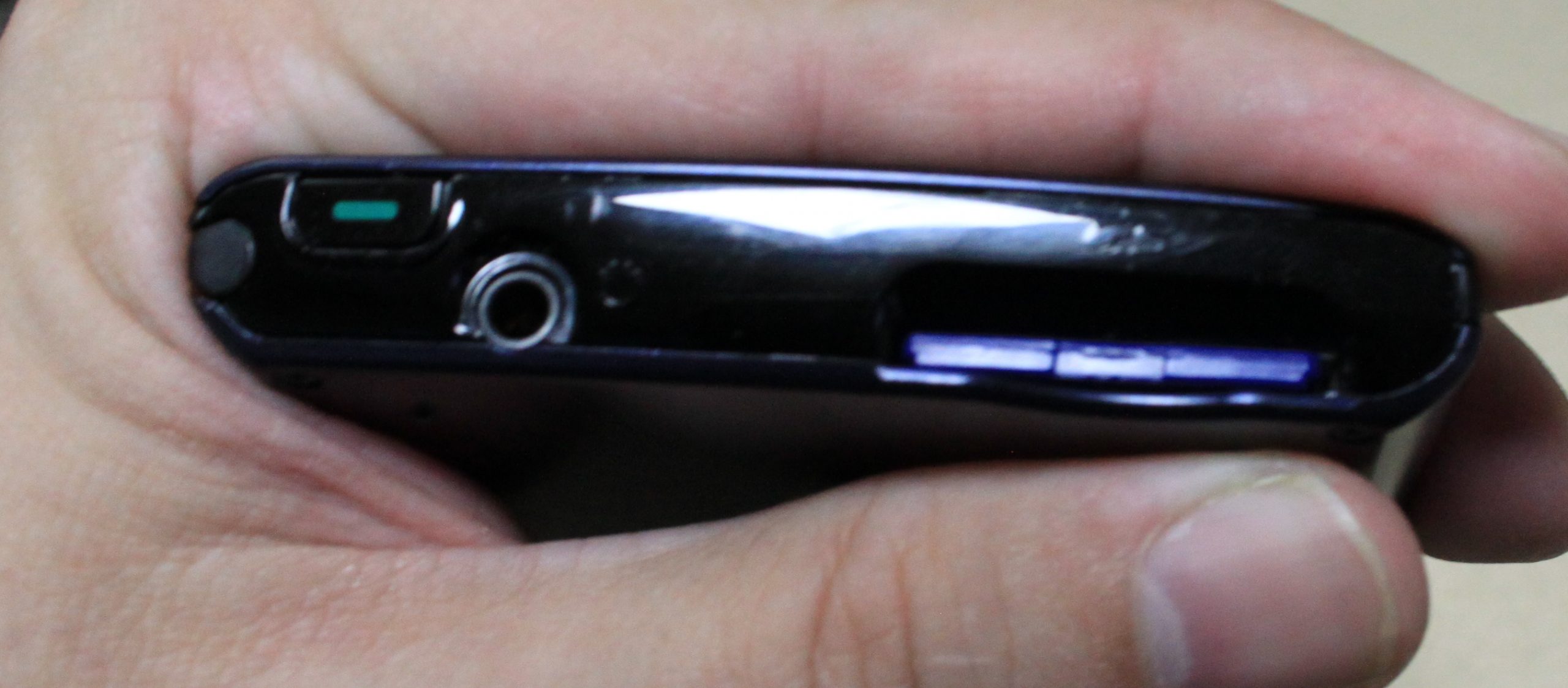
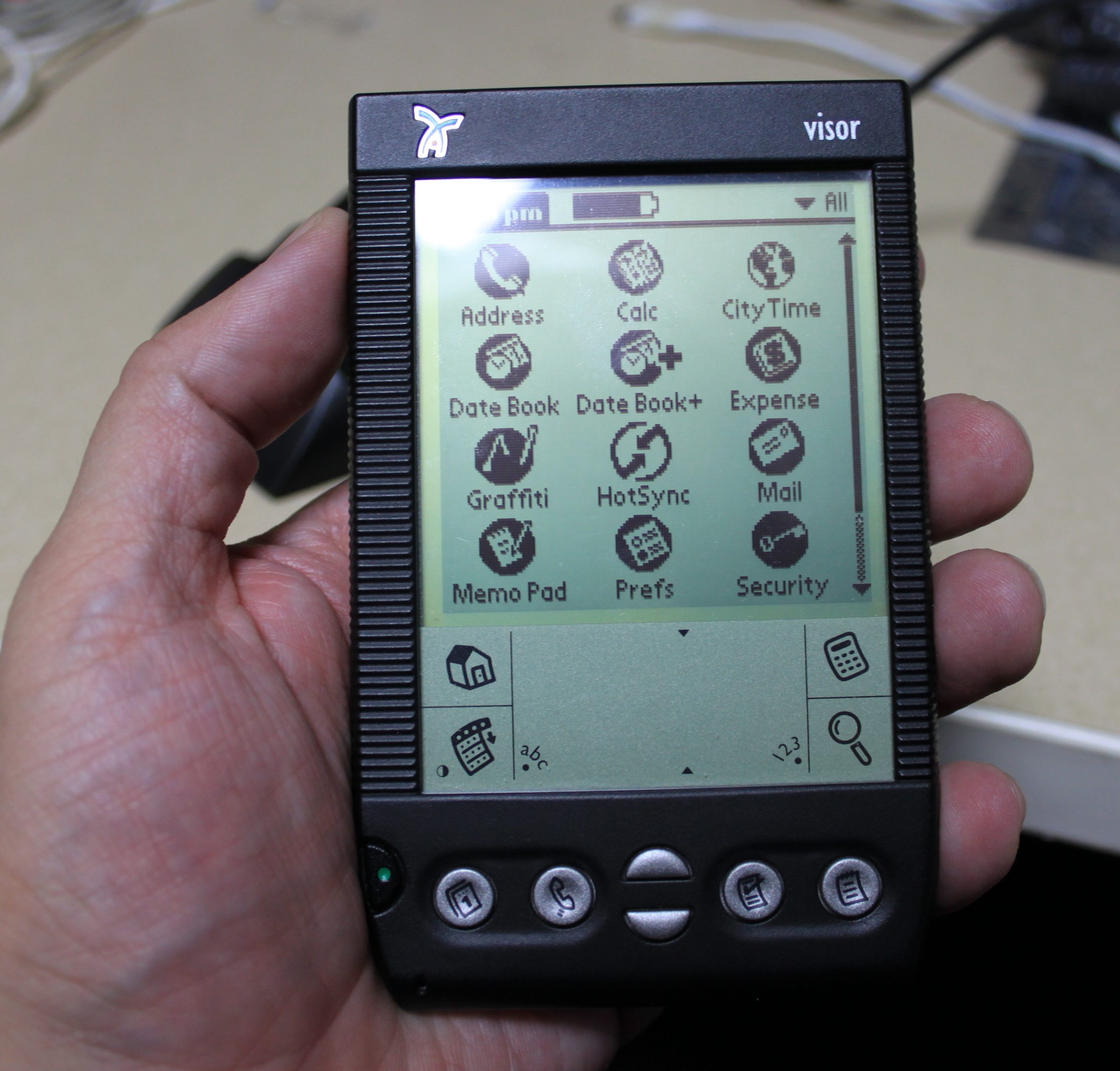
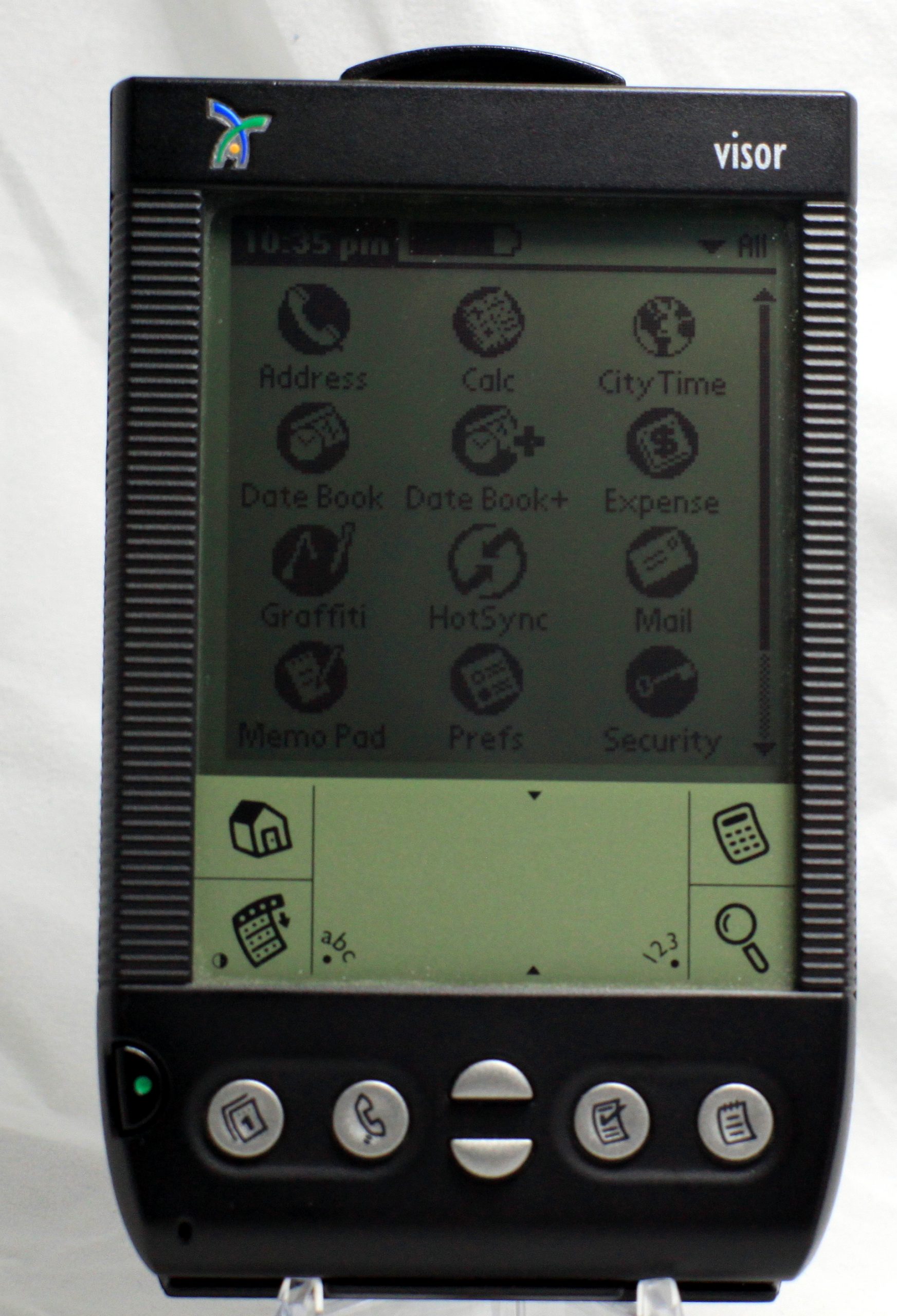
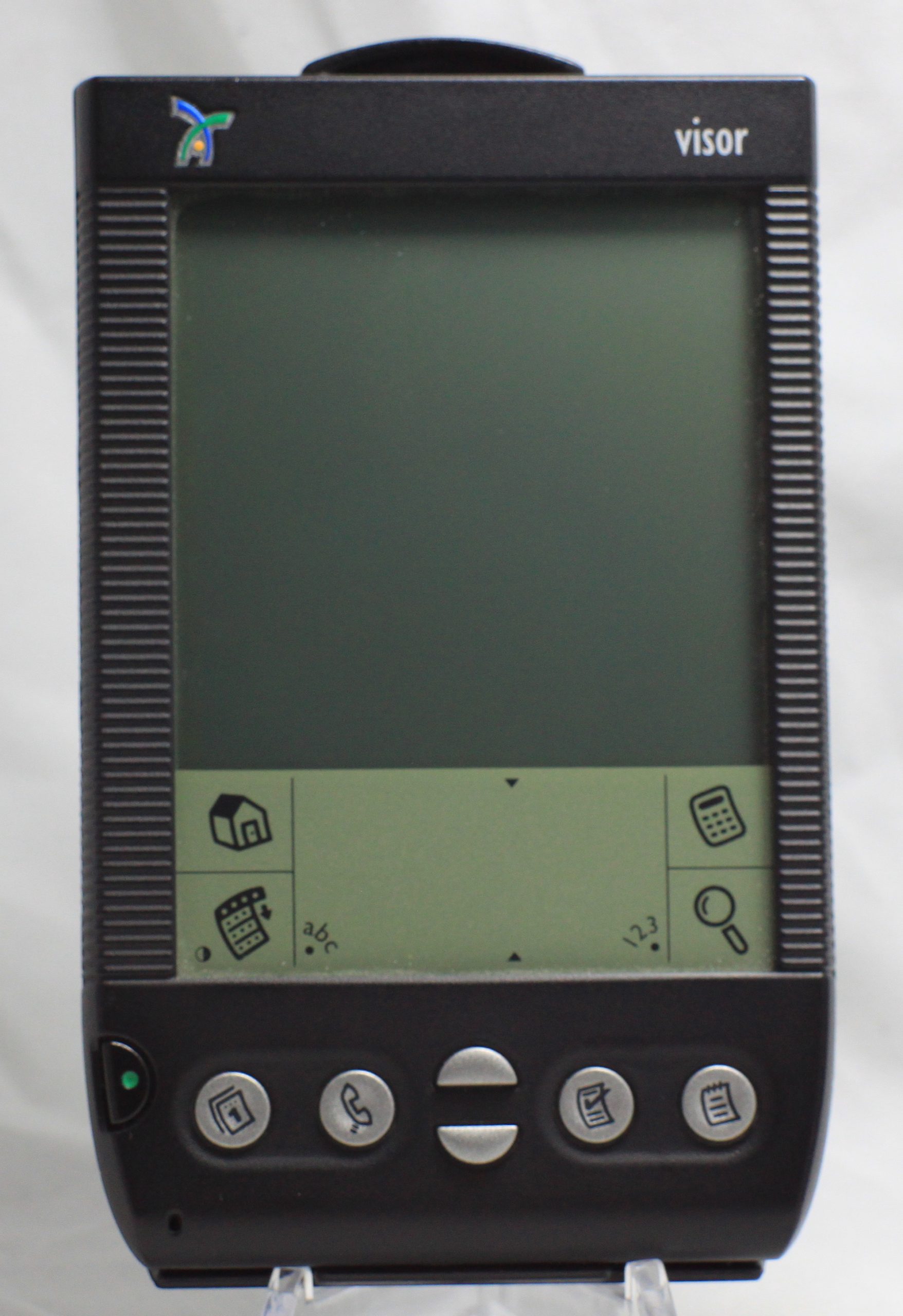
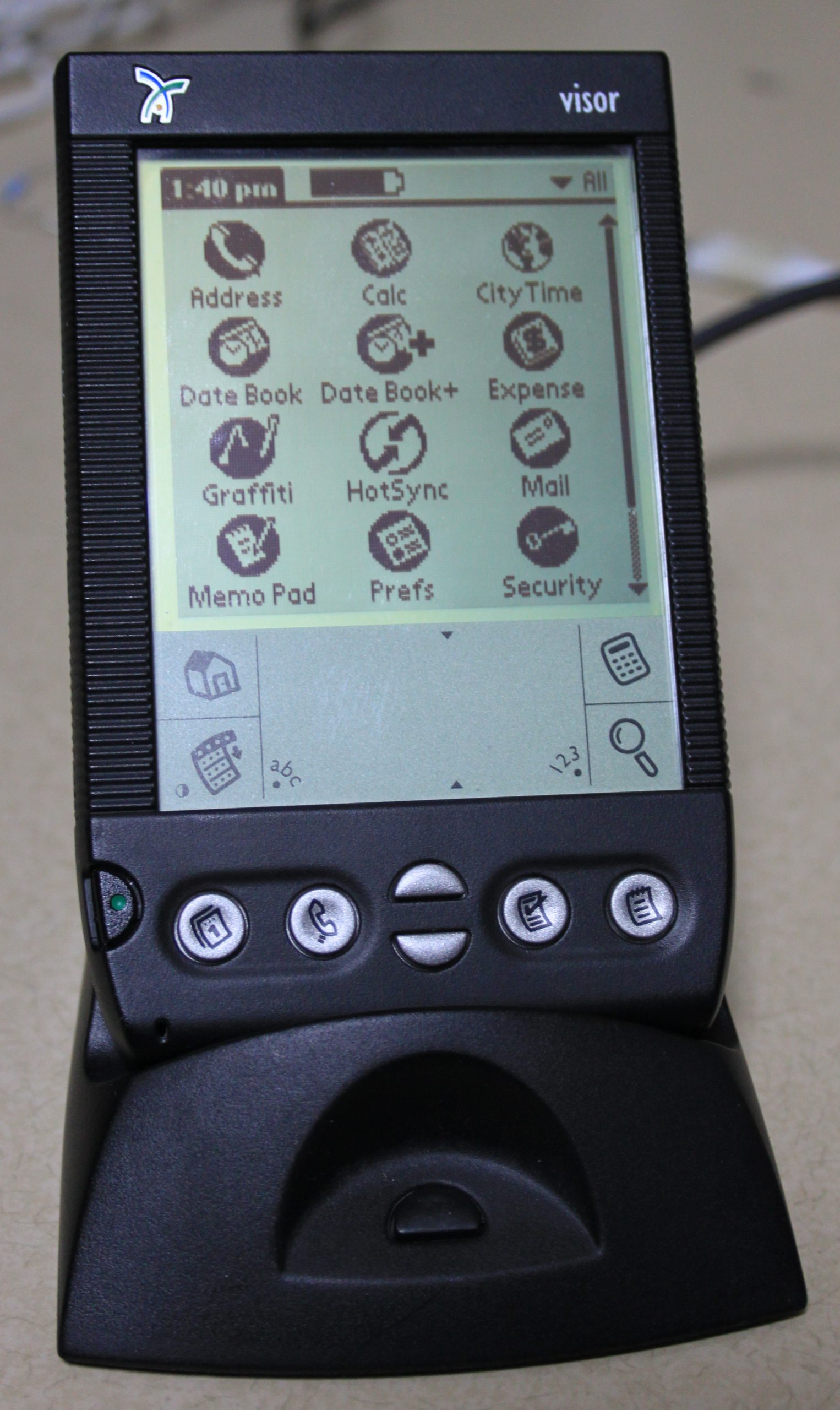
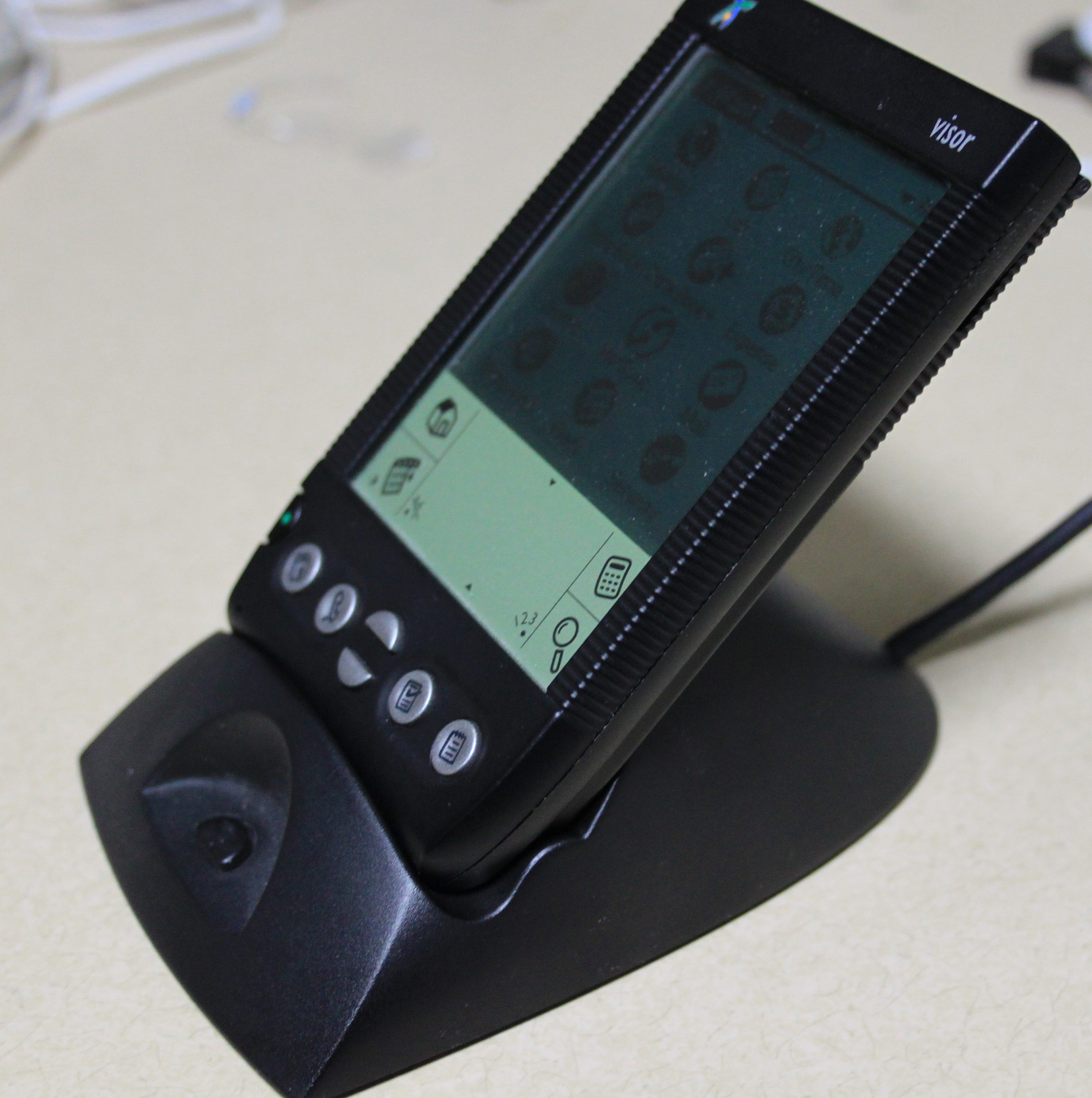
In honor of starting this site back up again, I will be reviewing a PDA I actually used back when it was released. This is not the exact same unit, but I did have a black Handspring Visor back in 2000! The Visor was the first non 3com Palm OS based PDA.
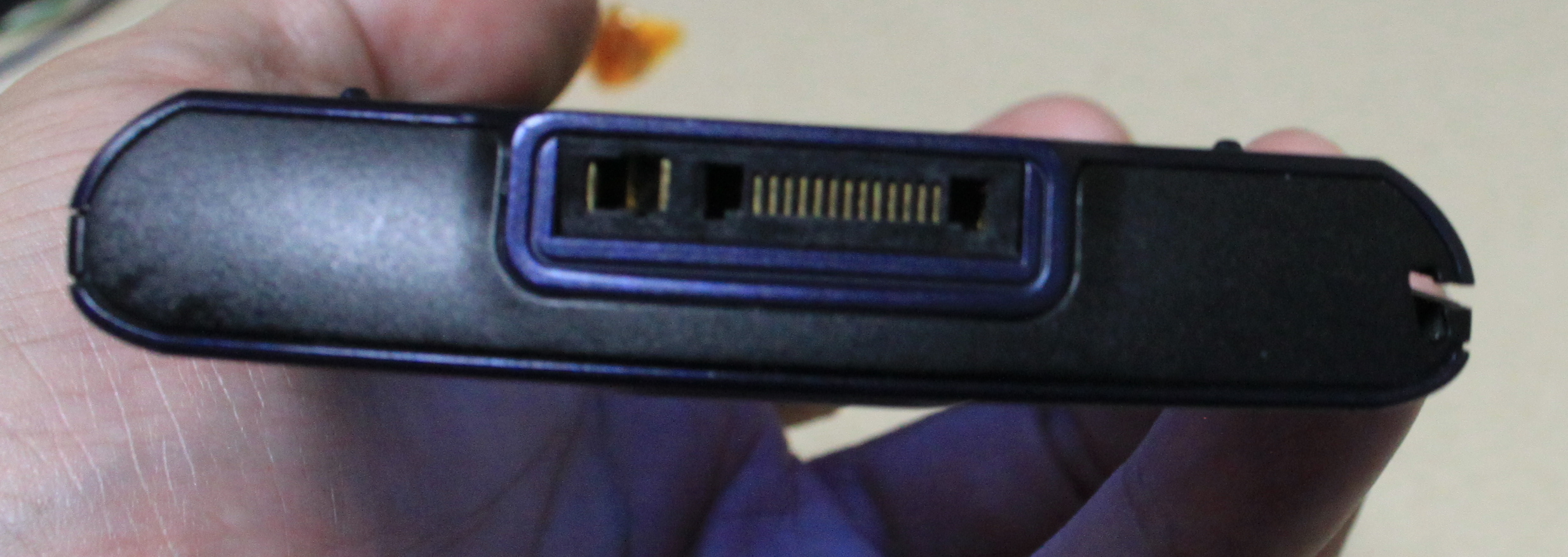
Starting with the aesthetics, the Visor has more texture and curves than a Palm III/Palm VII. Along the side of the screen are ridges. The button and overall layout is identical to the Palm III. Power is at the lower left, with calendar, address book, scroll, to-do, and notes. The IR port is moved to the left, since the addition of the springboard expansion port. The build quality is very good. The screen cover gets removed and clicked onto the back of the unit. This is one of my biggest gripes with the Visor, it is easy to loose the screen cover and it blocks the sync port on the bottom.
Other than the look, the technically, the Visor was a superior product to most of the Palm products at the time. The screen is excellent with the best contrast of any black and white LCD I have ever used on a Palm PDA. The contrast is controlled in the software, instead of a control knob. One feature I really like for a pre 2K product is the use of a USB synchronization as opposed to serial based. Syncing is very fast, as to be expected. Another feature that was available is the aforementioned springboard expansion port. It allowed to more memory, a modem, wifi, a camera, and even GPS. It was a neat concept for a time before advanced systems on a chip. The OS is a relatively old Palm OS 3.1, but it works and is quick.
Back over 20 years ago, I did carry this PDA every day. Kept all my phone numbers and notes on this little PDA. The battery life on two AAA is excellent. I have no problem syncing it with my virtual Windows XP, or even my Windows 10 machine! It really does work how it was originally intended. Handspring was eventually absorbed back into Palm. They did develop the Treo, which was one of the first true smartphones and you can see the influence in the Tungsten line from Palm.
I am glad I picked this up for a song, complete with box and two sync cradles. It is fun to play with, but to be honest, I usually end up using my Palm TX for day to day, which will be the subject of the next review.
Wow, it has been too long since I have updated this site, sorry about that, but a Global Pandemic that shall not be named really screwed things up!
The sad thing is I have collected a BUNCH of Palm based devices over the last couple of years, including Handspring Visor, a Palm Treo phone, with active service, a Tx and more! With any luck, I will have more content soon!
I have 2 new handheld devices coming. The more interesting device is a HP Jornada 690. It is a cute little color palmtop, to compliment my 360LX. The 360LX is a fun device, but the keyboard is lacking. I am sure it will stay in the loop, since it has simple batteries and good battery life. The second device is an USB IrDA port for my dana.wireless. Sometimes I just want to sync without plugging a cable in. I am sure it will work well with my dana, but I am pretty sure it will work with my other Palm devices.